benchmarkwireline.com
P. O. BOX 850
Fax: 281.342.4848
Phone: 281.342.6415
Simonton,Texas 77476
36220 FM 1093
AM5K User Manual Rev Q Oct 2007 Page 17 of 44
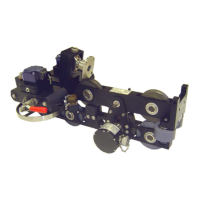
4.4.5 ENCODER MOUNT REMOVAL
Follow these steps to remove the encoder mounts.
1. Using a pair of vice grips, grab the end of the pin and pull on it (see
photo).
2. Use a screw driver to capture the end of the spring (see photo).
3. The end cap and the pin can now be removed (see Photo)


 To Next Page
 Loading...