17
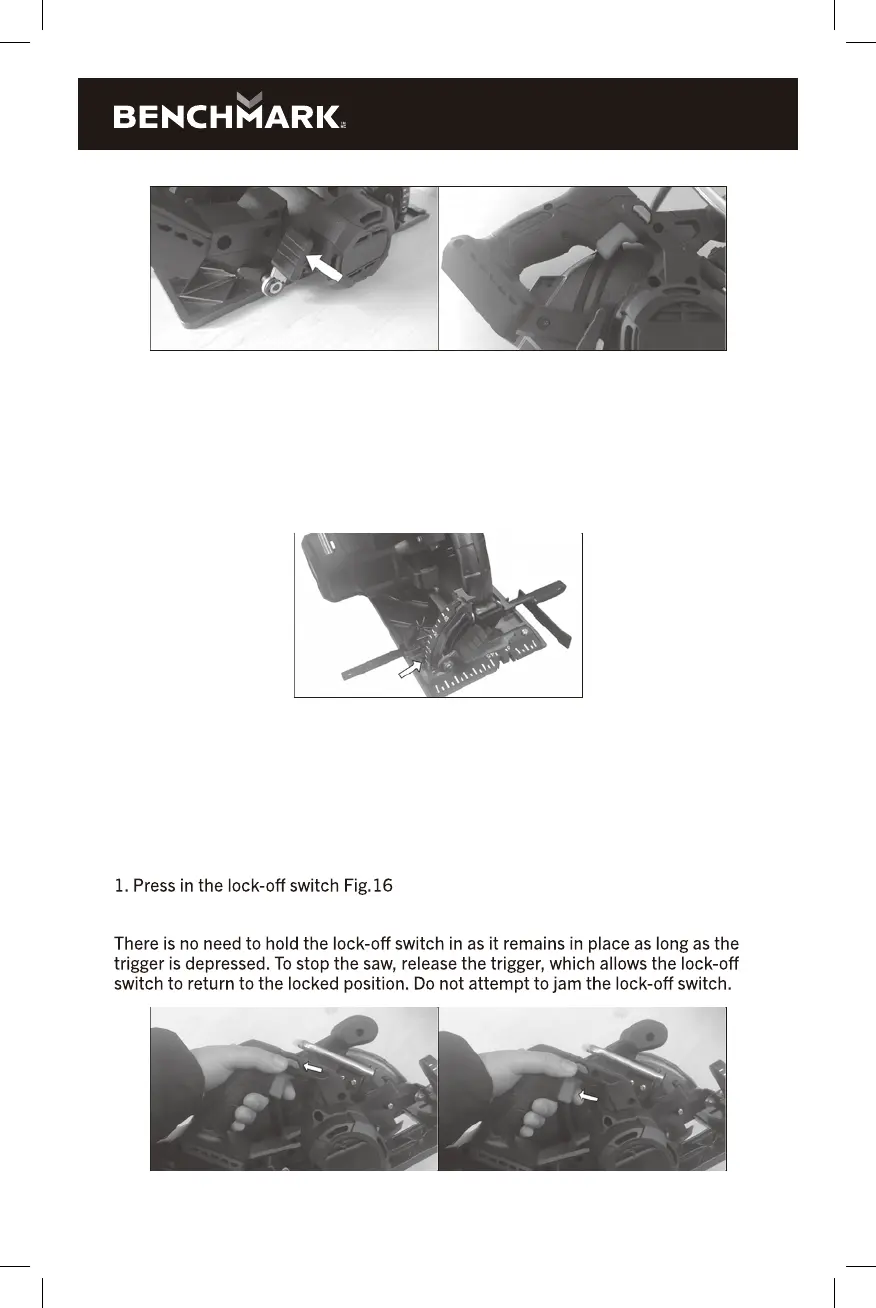
FIG. 13 FIG. 14
ANGLE OF CUT 0-45°
1. To adjust the angle of cut between 0-45° slacken the adjustable angle of cut
locking knob, Fig.15.
2. The base plate assembly will now pivot between 0-50°. Set the desired cutting
angle by using degree scale at the front of the machine and tighten locking knobs.
FIG. 15
At the front of the base plate there are three notches marked 0°, 45° and 50°. These
notches are a guide to indicate the position of the blade in relation to the cut being
made in the material.
STARTING AND STOPPING
To start the machine,
2. Depress and hold in the trigger, Fig.17.
FIG. 16 FIG. 17


 To Next Page