-7-
Max
E. High/low alarm value
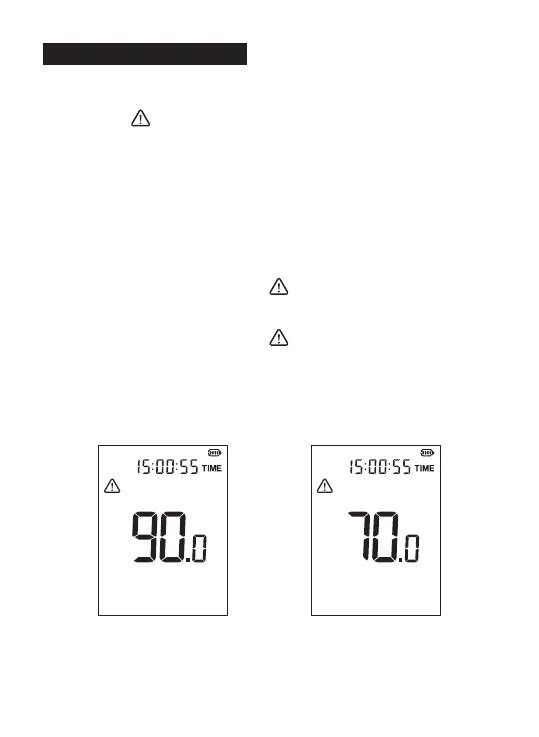
1.High/low alarm value setting:
Long press MAX button to enter alarm value setting, then the screen
will display [ ]. Short press MAX button to switch high/low alarm value
setting. Short press HOLD button or F/S button to increase or decrease
alarm value. Long press HOLD button or F/S button to fast increase or
decrease alarm value. Long press the MAX button again to exit the alarm
setting.
High alarm: [MAX] will be displayed, and indicator light will be red;
Low alarm: [MAX] will not be displayed, and the indicator light will be
yellow.
2.Measurement display:
High alarm: When the noise value is greater than or equal to the high
alarm value, the screen will display [ ], and the red light will be on (if
the indicator function is off, it will not be on);
Low alarm: When the noise value is greater than or equal to the low
alarm value, the screen will display [ ], and the yellow light will be on
(if the indicator function is off, it will not be on);
3. Indicator light on/off:
After entering the alarm value setting, press the A/C button to turn
on/off the indicator. Pay attention to the change of the indicator on the
panel. If the indicator is on, it means on; if it is off, it means off.
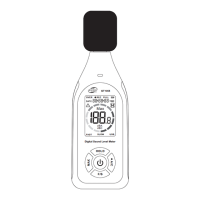
High alarm value setting Low alarm value setting


 To Next Page