-11-
FAST
dBA
USB
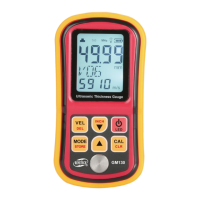
D. Software instruction
1. Softwar window:
Menu bar
Toolbar
Status
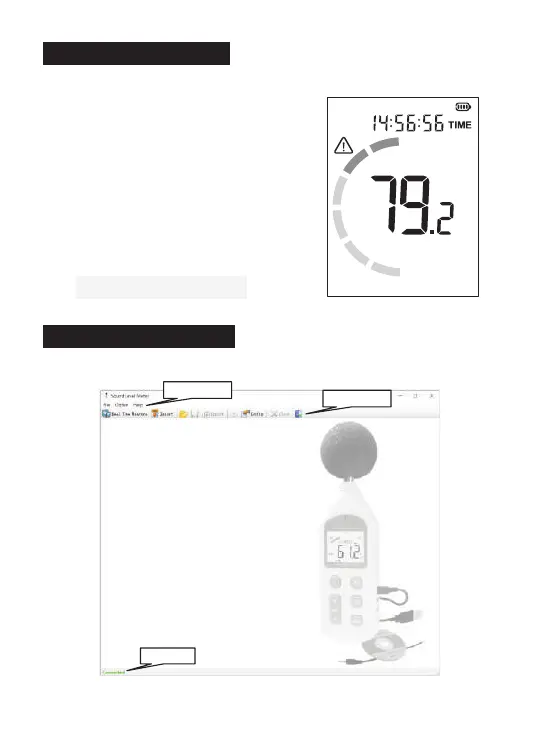
C. Connection status
1. Connected to device:
"Connected" appears in the bottom left
corner of the PC;
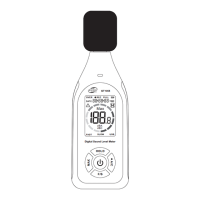
"USB" appears on the lower right corner of
the product screen.
2. Disconnected to device:
"Disconnected" is displayed in the bottom
left corner of the PC;
“USB" is not displayed onthe lower right
corner of the product screen.
Connected
PC
Product screen


 To Next Page