-5-
FAST
SLOW
FULL
OVER
USB
Max
dBA
dBC
REC
FAST
dBA
II. Operation instructions
A. Power on/off
1. Power on:
When shutting down, short press the power button to turn on the device.
After about 1~2 second of full screen display, the real-time measurement
interface will be displayed;
2. Shutdown:
Power on status, long press or short press the power button to
shutdown;
3. Automatic shutdown:
Automatic shutdown for about 10 minutes without button operation;
4. Cancel automatic shutdown:
When shutting down, long press the power button to turn on the device.
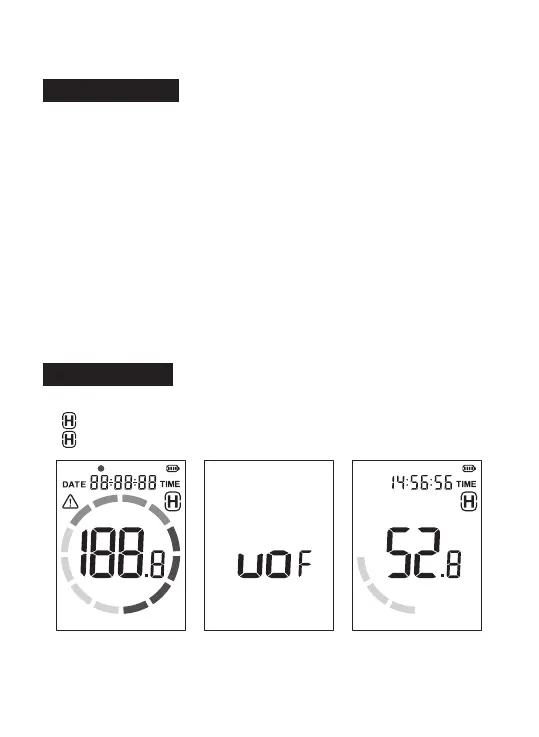
After full screen display, if [UOF] is displayed, the automatic shutdown will
be cancelled (only valid for this startup, default automatic shutdown for
next startup, need to be cancelled again).
B. Data HOLD
On the measurement interface, short press the HOLD button to display
[ ] data lock; Short press the HOLD button again to release the data,
[ ] disappears, and continue measuring.
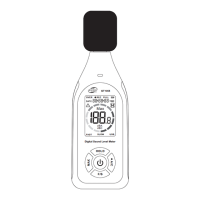
Full Screen Display
Cancel
Automatic Shutdown
Data HOLD


 To Next Page