-9-
REC
FAST
dBA
REC
FAST
dBA
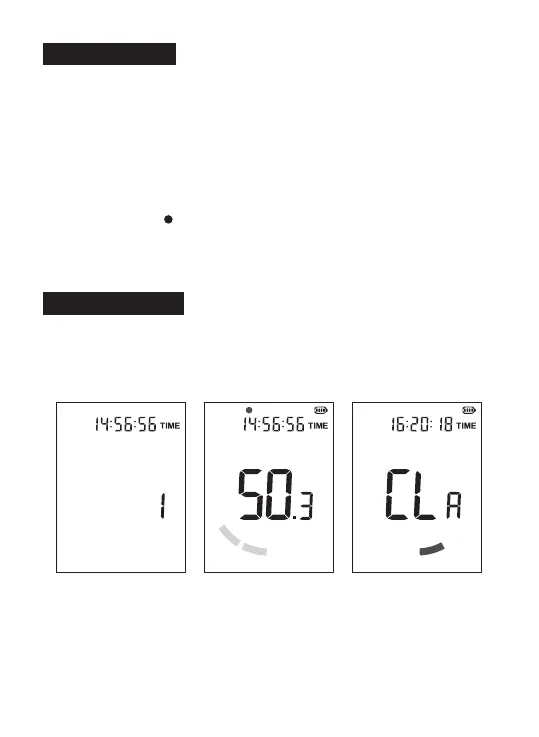
H. Data record
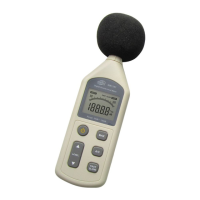
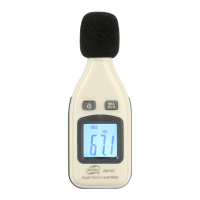
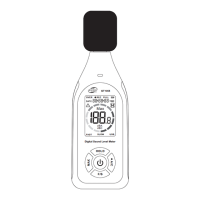
1. Enter the recording mode:
After startup, long press the A/C button to enter the recording mode
setting, and the screen will display [REC];
2. Record interval setting:
After entering this mode, press the HOLD button or F/S button to set the
record interval time (unit: second), and long press the button to fast
increase or decrease; The value ranges from 1 to 99 seconds.
3. Short press the A/C button to start recording data. The screen displays
[REC] and blinks [ ]. Long press the A/C button again to exit the
recording mode.
4. When recording, it will not automatically shut down, long press the
power button to shut down.
I. Delete record
Enter the MAX mode (screen will display [MAX]), long press the A/C
button until the screen displays [CLR], and return to the measurement
interface. At this time, no [MAX] is displayed, and record deletion is
complete.
Data record setting
Start recording
Delete records


 To Next Page