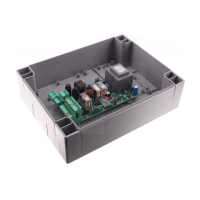
1 -Programming the maximum speed
This allows to select the maximum speed of the motor. The motor speed can vary from 100% to 50% of the rated
speed.
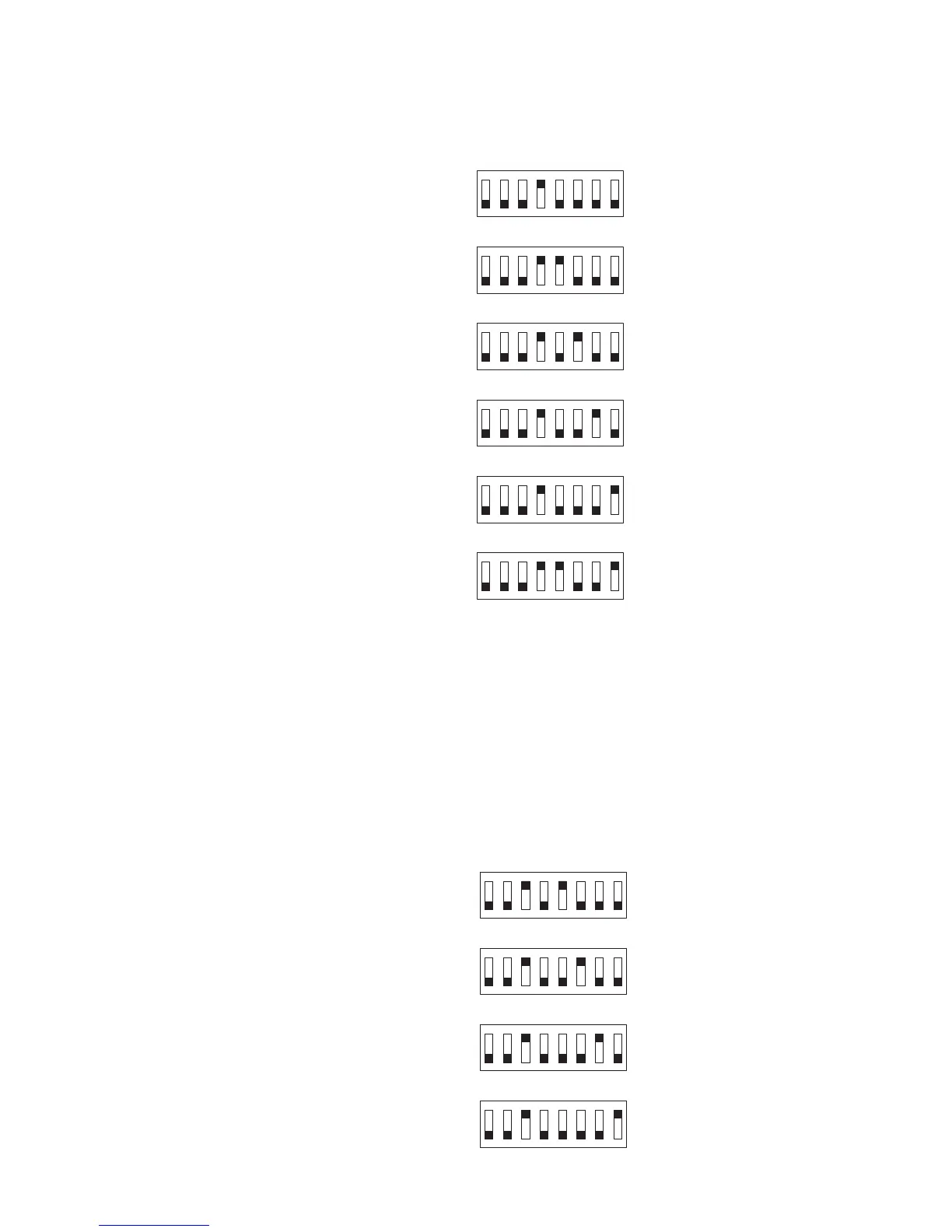
• With the motor off set the function dips as in the gure below:
To obtain a maximum speed of 100%
(DEFAULT)
To obtain a maximum speed of 90%
To obtain a maximum speed of 80%
To obtain a maximum speed of 70%
To obtain a maximum speed of 60%
To obtain a maximum speed of 50%
• Hold down the pushbutton next to the microprocessor; the YELLOW LED will stay on.
• When the YELLOW LED goes out, release the pushbutton. The program settings have been stored.
• Return the dip-switches to their original settings
IMPORTANT: For mod.VE.650 barriers
with 6.50 m rod never set the speed over 70%
with 6.00 m rod never set the speed over 80%
with 5.50 m rod never set the speed over 90%
2 - Programming the slowdown speed
This allows to select the speed of the motor during slowdown. The motor speed can vary from 10% to 40% of its
rated speed. When using a slowdown speed of 10% and 20% it is best to opt for the increasing slowdown setting
(advanced function 3).
• With the motor off set the function dips as in the gure below:
To obtain a slowdown speed of 10%
To obtain a slowdown speed of 20%
To obtain a slowdown speed of 30%
(DEFAULT)
To obtain a slowdown speed of 40%
• Hold down the pushbutton next to the microprocessor; the YELLOW LED will stay on.


 To Next Page