41
111660 Rev C 5-13-14
How To Set A Dispenser Address
Menu Code 22
This menu code allows the Service Technician to set a dispenser address for each dispenser when
multiple dispensers are on the same communications loop. This setting will always be 0 when using
Current Loop. However, if more than one dispenser is using the same communications loop, a value of 0
to 255 is available.
To select a different option in Menu Code 22, follow this
procedure.
1. After the manager mode has been accessed, press
the number 2 and 2, then the MODE button on the
keypad. The PPV display shows the dispenser in
Menu Code 22.
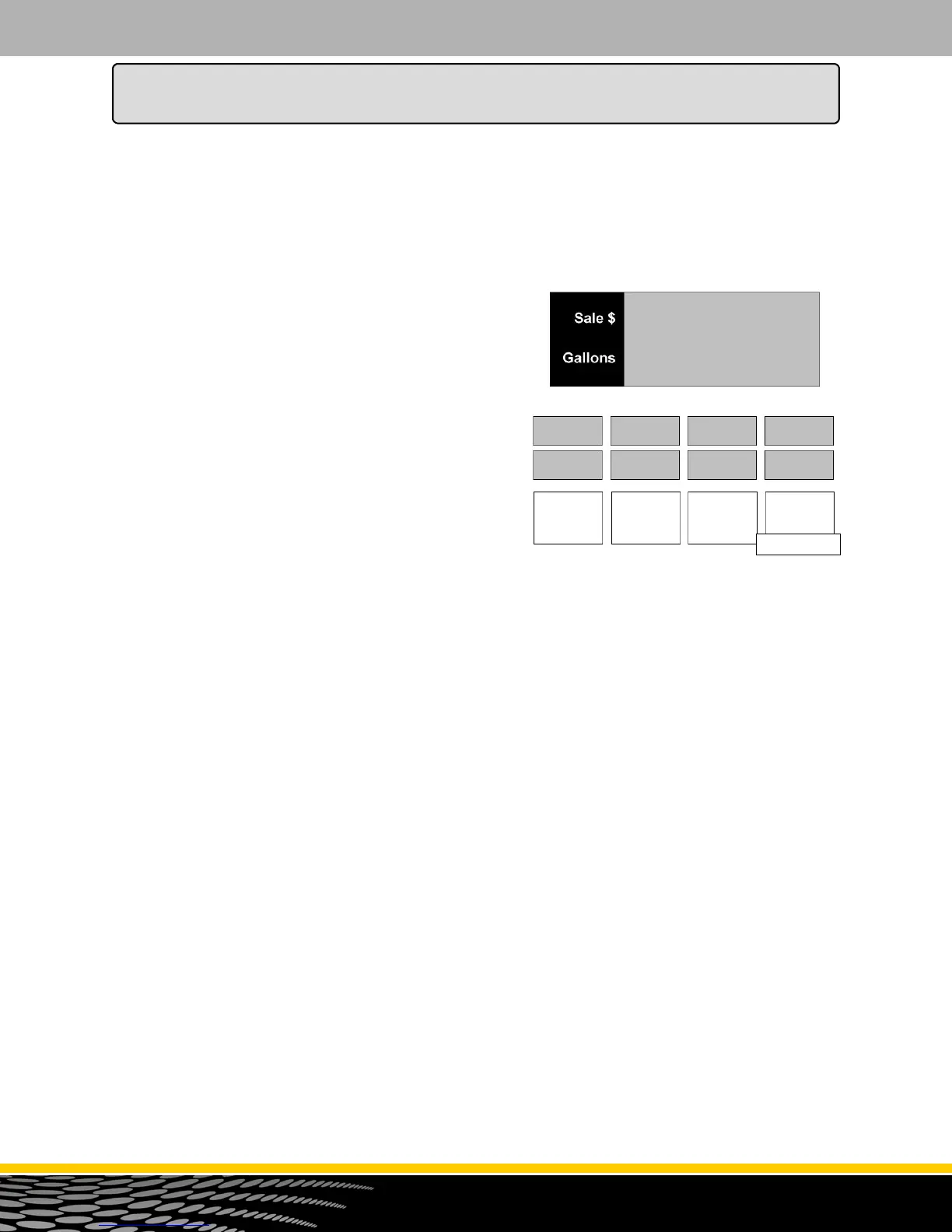
If the dispenser has not been programmed since it
came from the factory, the number 1 appears in the
main display. This is the default setting. See Figure
22.1.
2. To change the setting use the 0, 1, 2, or 3 button on
the keypad to enter a new address.
NOTE: If an error is made, press the correct number.
The new number replaces the error.
3. When the correct option number appears in the main
display, press the ENTER button to save the selection
4. Press the CANCEL button to exit this menu code.
5. If initial programming of a dispenser with two fueling
positions is being performed, program the other side.
dISPEn
Add 0
Figure 22.1
COdE
22
How to Program the Dispenser for Operation



 To Next Page