45
111660 Rev C 5-13-14
WARNING!!! - You must perform the E-Cal prior to dis-
pensing fuel. If the E-Cal isn’t performed properly then
the dispenser will produce a Calibration error.
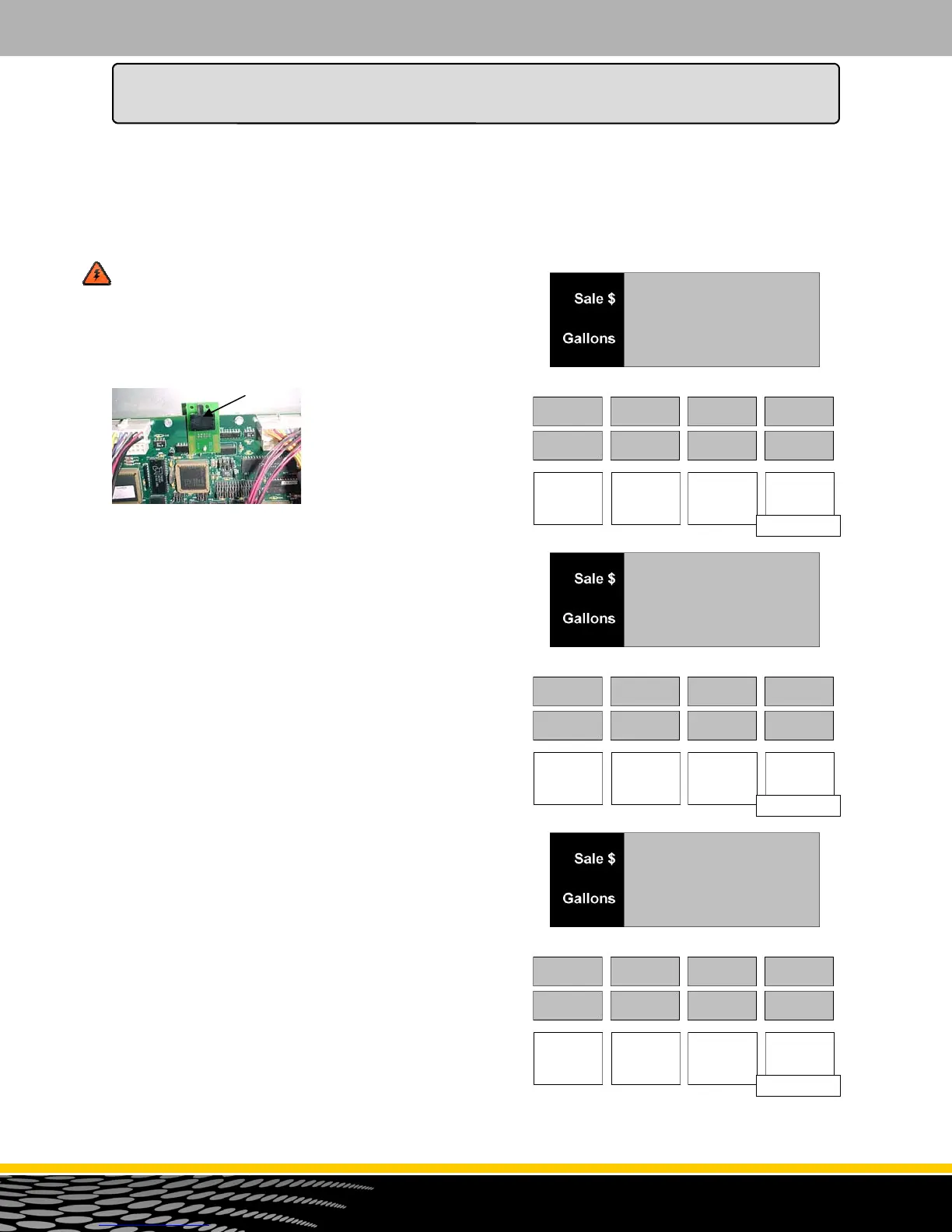
Prior to entering Mode 27 you must slide the switch over
on the CPU Board. Currently this switch is in “Normal
Operating Mode”. To gain
access to Mode 27 you must
slide it to the right anytime
before going into this mode. If
you attempt to dispense with
this switch in “E-Cal Mode”
then the dispenser will give
you an Error 74.
The Basic Calibration Procedure
This procedure assumes that the test can sight glass is
graduated in units of cubic inches or cubic centimeters
(milliliters). If the sight glass is in test can percentage
units, refer to the optional calibration procedure in the
next section.
Prior to performing any E-Cal procedure you must go to
Mode 6 and make sure the dispenser configuration is cor-
rect. An incorrect configuration will prevent the use of un
-configured meters. You also must make sure that every
product has a price other than zero. A zero price will pre-
vent the use of any configured meter.
To perform a basic calibration, follow this procedure:
1. After the Manager’s Mode has been accessed, press
the number 2 and 7, then the MODE button on the
keypad. The first display shows the current electronic
calibration correction constant of the first configured
meter. See figure 27.1. Use the button or button
to view the current electronic calibration correction
constant for each configured meter. Once you
are viewing the desired meter, press ENTER.
2. The main display shows the test can size entry
prompt. See figure 27.2. Enter the test can size and
press the ENTER button. Once the test can size has
been entered, the main display for the select dis-
penser side will show "READY" and the test can size
will appear in the first ppv display. The second ppv
display will show the volume unit of measure (USG
for United States Gallon, LIT for liter or BIG for British
Imperial Gallon). See figure 27.3
How to Perform an Electronic Calibration
Menu Code 27
This menu code allows the technician to perform an electronic calibration procedure. These procedures
include two different incremental calibration procedures and one overwrite calibration procedure. In an
incremental calibration procedure, the new entered value is added to the existing value. In an overwrite
calibration procedure, the new entered value replaces the existing value.
CAL 1A
F.FF
Figure 27.1
1A
F.FF
tStCAN
00.00
Figure 27.2
0.00
USG
rEAdy
Figure 27.3
5.00
USG
How to Program the Dispenser for Operation



 To Next Page