46
111660 Rev C 5-13-14
1C—10.9
9 0.00
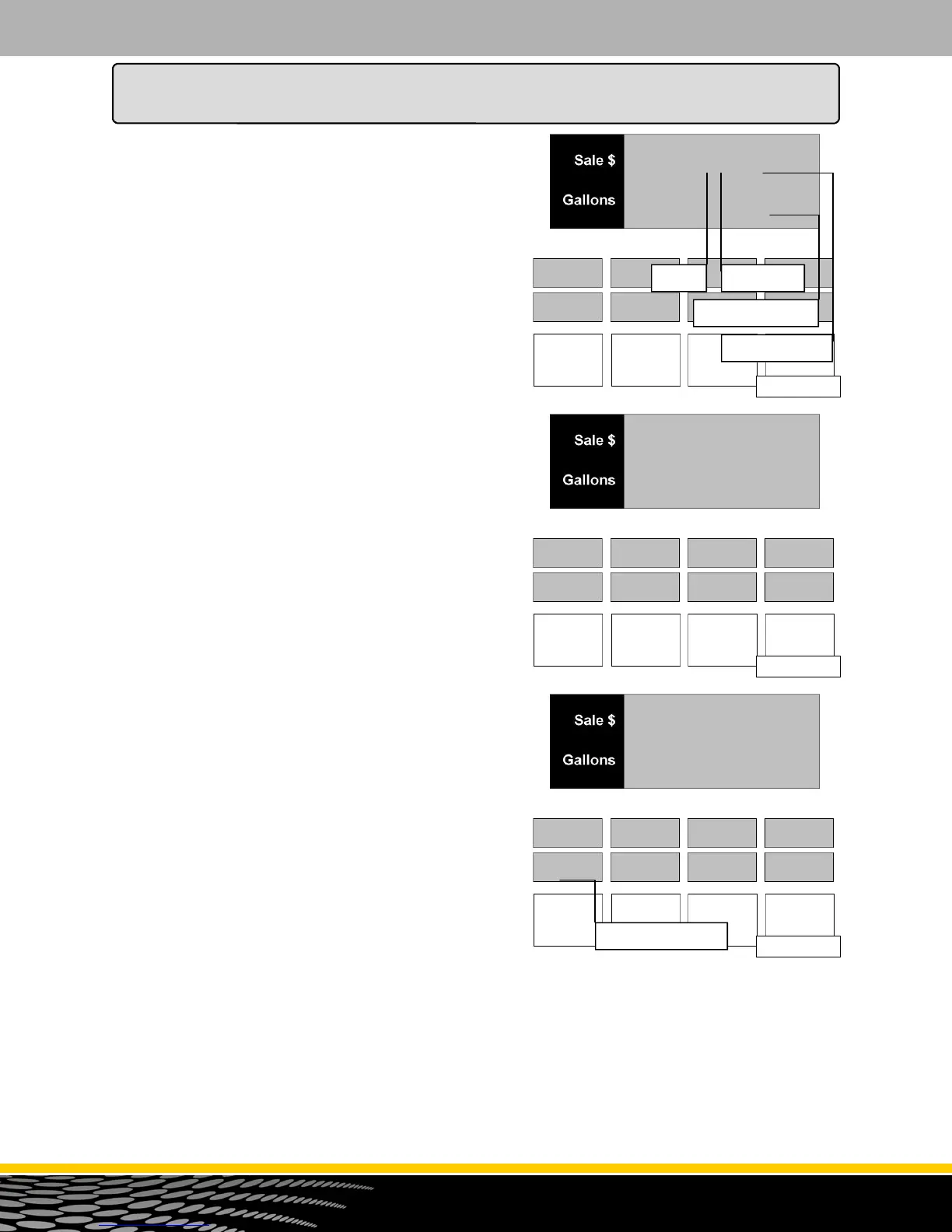
Figure 27.4
5.00
USG
Side 1 Product C
Current E-Cal
Current Volume
00.0
In Err
Figure 27.5
5.00
USG
tStCAN
00.00
Figure 27.6
0.00
PEr
Percentage Units
3. At this point you are ready to run a test can sale. Turn
on the pump handle. If push-to-start is active you will
be prompted to push the start button. If the selected
pump handle supports multiple products, you will be
prompted to choose the desired product.
4. Once the product is selected, the main display will
reset. The main money display will show the current
electronic calibration correction constant for the se-
lected meter. The volume display will show the cur-
rent sale volume. See figure 27.4.
5. Run a sale as close as possible to the test can size
entered in step 2 and turn off the pump handle. The
display will change to the error entry display. See
figure 27.5
6. Depending on the volume unit of measure, the error
display will either show "in Err" for cubic inches or "cc
Err" for cubic centimeters (milliliters). Enter the
amount of the error (positive or negative) and press
the ENTER button. You can only change the amount
to a negative value after the entered amount is other
than zero. Once the ENTER key is pressed, the
main display will show "READY". Go to step 3 to run
another test can or press CANCEL to exit.
How to Program the Dispenser for Operation
The Optional Calibration Procedure
This procedure assumes that the test can sight glass is
graduated in test can percentage units rather than cubic
inches or cubic centimeters (milliliters) as in the basic
calibration procedure. If the sight glass is in cubic inches
or cubic centimeters, refer to the basic calibration
procedure.
To perform the optional calibration, follow this procedure:
1. Repeat step one from the basic calibration
procedure.
2. The main display now shows the test can size entry
prompt. Before entering the test can size, press the
+/- button. This switches the error entry mode from
cubic units to percentage units. The second ppv
display will show "PER" to confirm the percentage
unit mode. See figure 27.6. Enter the test can size
(still in gallons or liters) and press the ENTER button.
Once the test can size has been entered, the main
display for the select dispenser side will show
"READY" and the test can size will appear in the first
ppv display. The second ppv display will still show
"PER" for the percentage unit mode for error entry.



 To Next Page