47
111660 Rev C 5-13-14
00.0
PC Err
Figure 27.7
5.00
PEr
The Direct Percentage Entry Procedure
This procedure provides a way of zeroing or overwriting
the electronic calibration correction constant. This
procedure requires no test can.
To perform the direct percentage entry, follow this
procedure:
1. Repeat step one from the basic calibration
procedure.
2. The main display now shows the test can size entry
prompt. Press the button to bypass the test can
prompt and access the direct percentage entry menu.
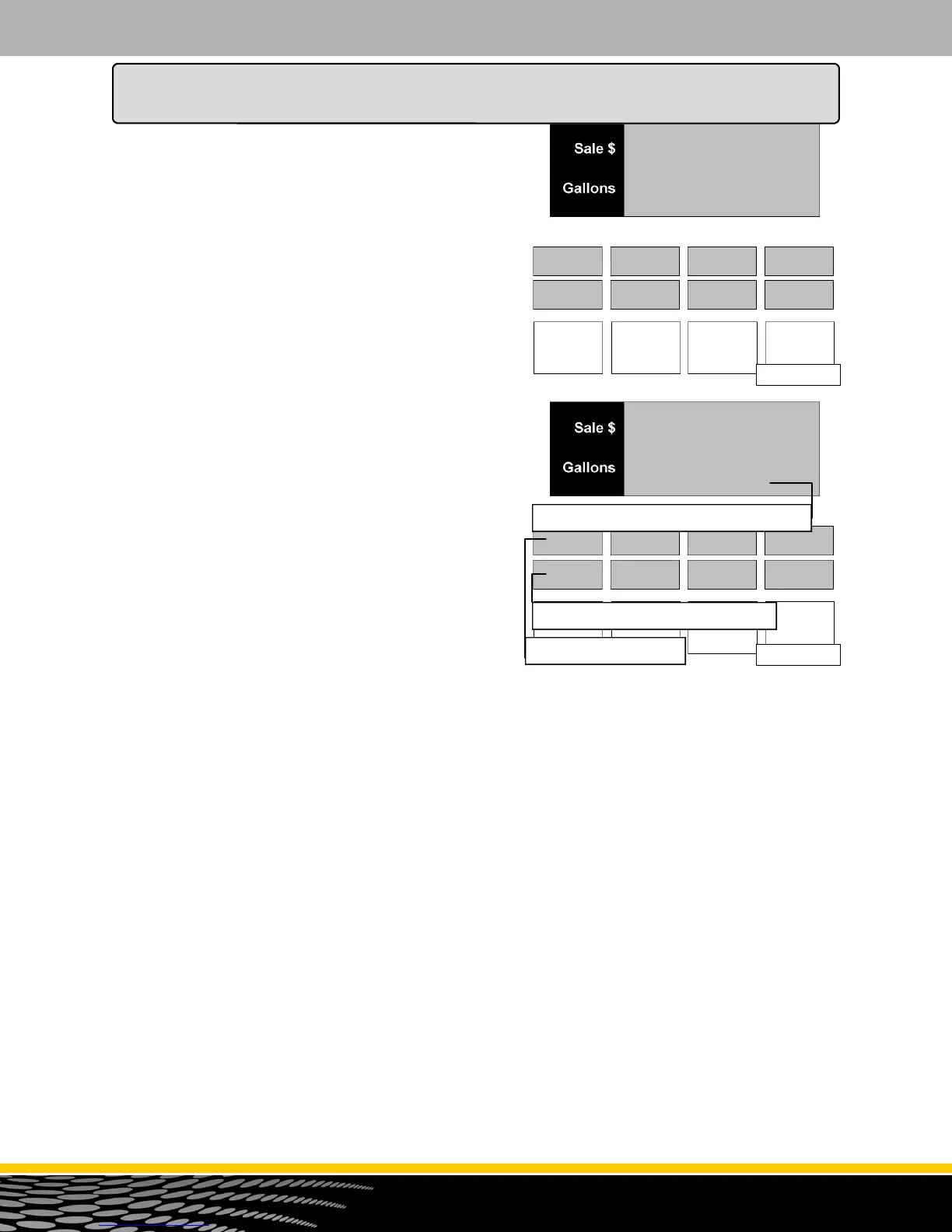
See figure 27.8
3. The button or the button is used to select the
meter. Note that only the top ppv will display the
selected meter as you press these buttons.
4. As the new electronic calibration correction constant
is entered, it will show up in the main volume display.
When the ENTER button is pressed, the entered
electronic calibration correction constant is loaded
into the current meter and appears in the second ppv
display. Go to step 3 to update another meter or
press the CANCEL button to exit this menu code.
PC Err
0.00
Figure 27.8
1A
F.FF
New entered E-Cal correction constant
Side 1 Product A Me-
Current E-Cal correction constant
3. Repeat steps 3 - 4 from the basic calibration
procedure.
4. The error display will show "PC Err" for percent error.
Enter the amount of the error (positive or negative)
and press the ENTER button. You can only change
the amount to a negative value after the entered
amount is other than zero. Once the ENTER key is
pressed, the main display will show "READY". Go to
step 3 to run another test can or press CANCEL to
exit.
How to Program the Dispenser for Operation



 To Next Page