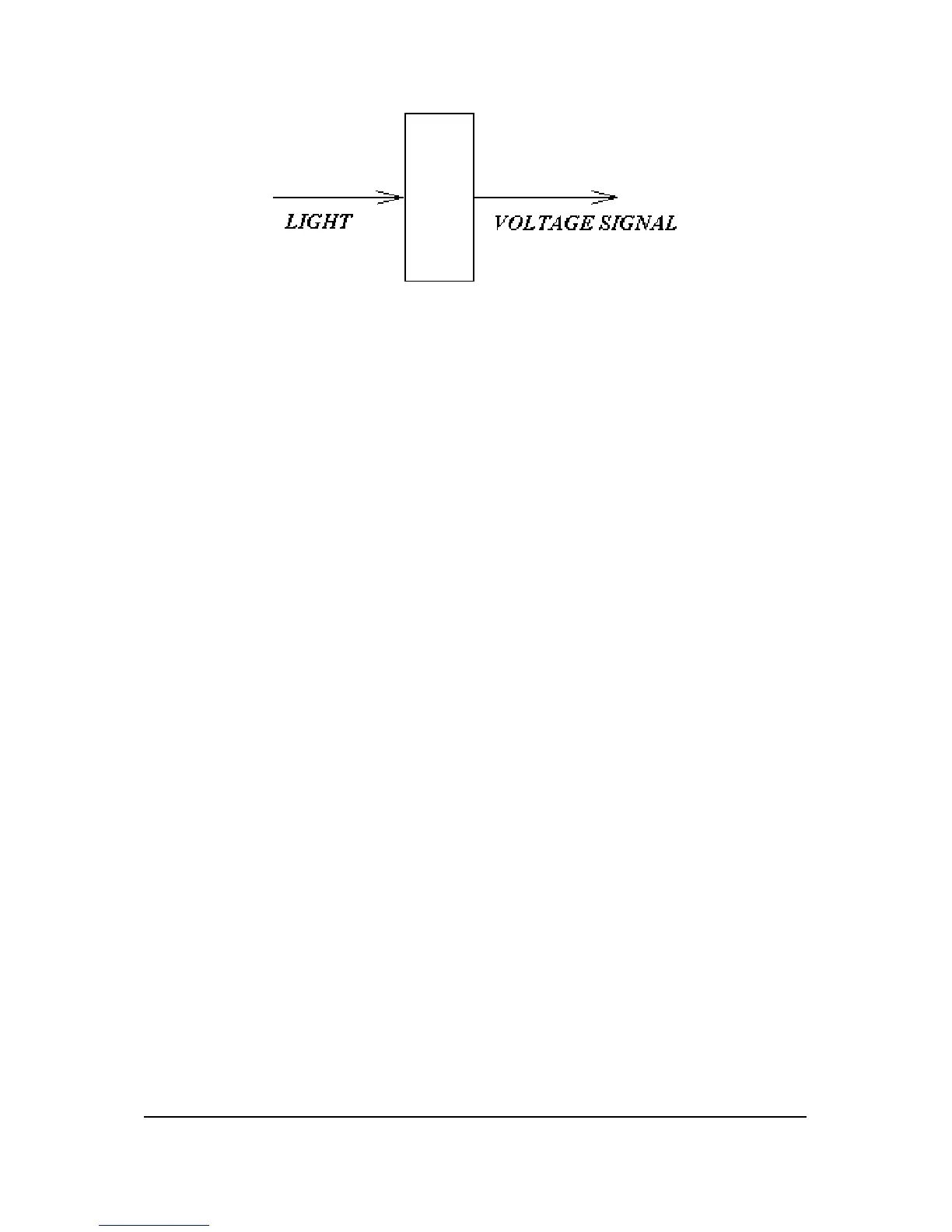
Figure 3-2 Receiving
3.2 Scan Process
3.2.1 Preset
Put the to-be-scanned object (Slide/Film) into holder and gently insert
into holder insertion slot. Two types of holders are supplied with film
scanner: filmstrip and slide holders.
3.2.2 Auto-Focus
First the holder will do “White balance”, which means CCD reads signals
from calibration area in holder to be “White”. Then holder moves to a
position contains film/slide and remain still. Lens cartridge starts moving
toward/backward the object and analysis the output signals to get focus
optimized.
3.2.3 Preview
The holder starts moving while lens cartridge remains fixed and reads in
image signals roughly. Then the images are shown on the screen.
3.2.4 Pick Target
Pick the desired scanning area and position. In addition, you can choose
scanning condition, such as scan types (color or gray), resolution (DPI),
hi-light...etc. You have several choices to do your scanning.
3-2 API Confidential Theory of Operation
No Copy/Reproduction allowed


 To Next Page