Setting up the display19
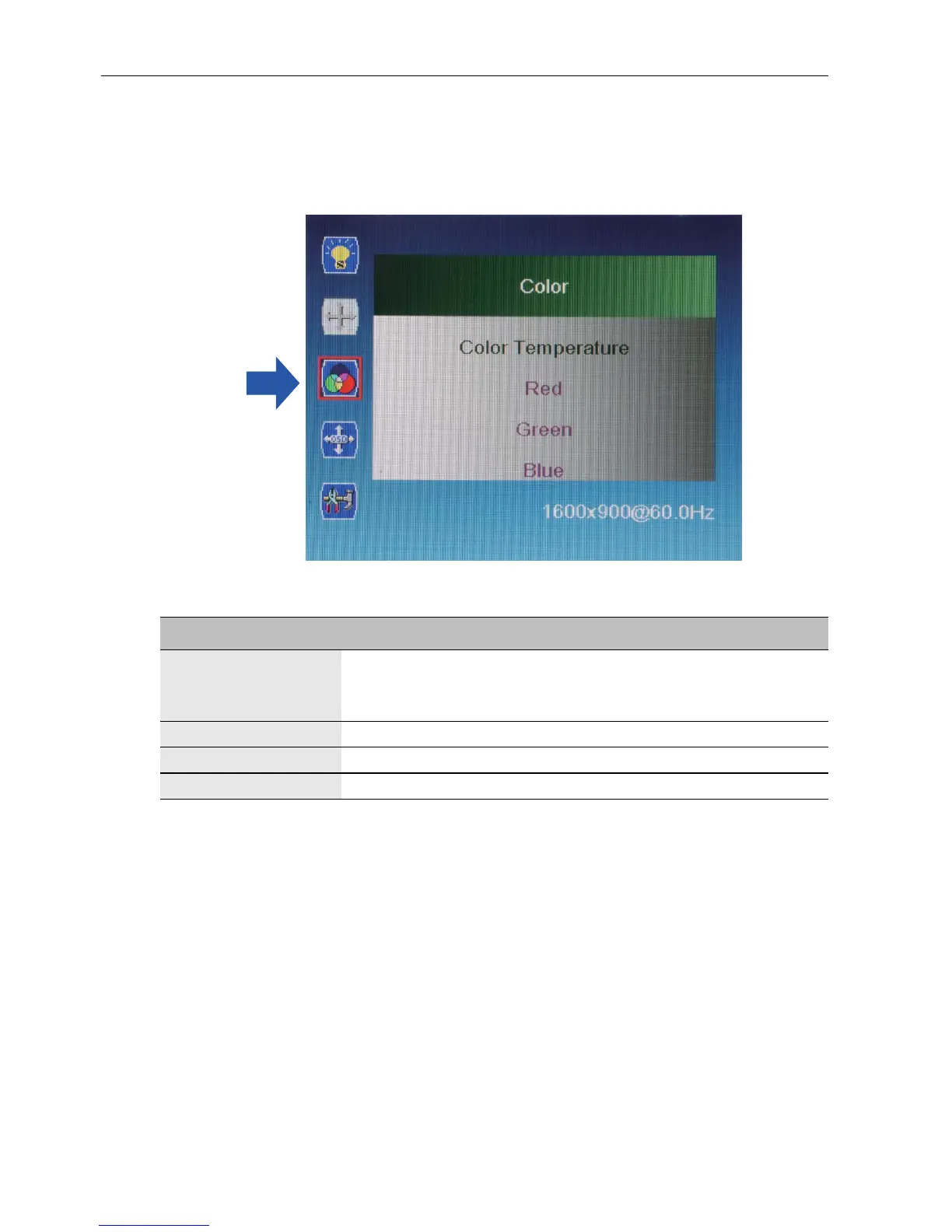
Color menu
Press MENU to select one of the following, and then press “” or “” to select the
desired level. Press EXIT when done.
Name Description
Color Temperature Range: 6500K, 9300K, 11500K, User Define.
If you choose User Define, gains and offsets of red, green,
and blue are adjustable.
Red 0~100
Green 0~100
Blue 0~100



 To Next Page