Remote control 21
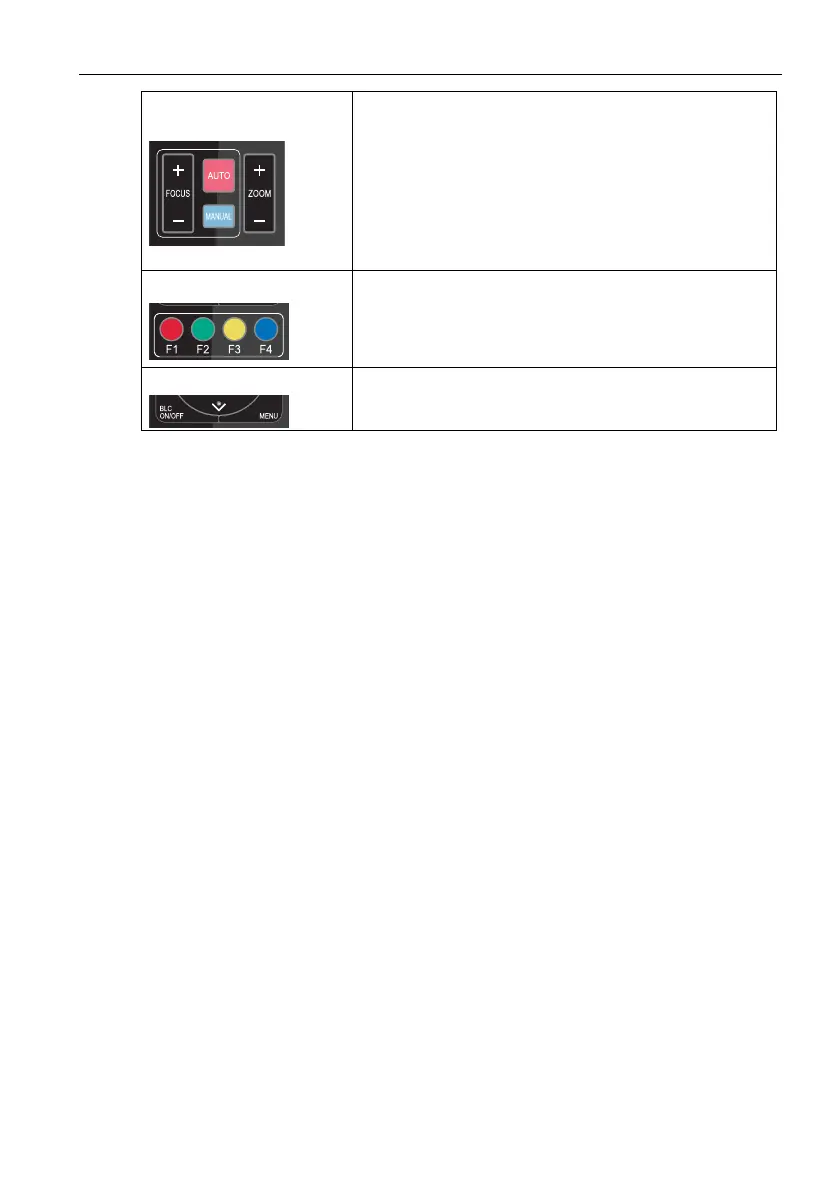
5. Focus Control
Focus (near): Press “focus +” key (Valid only in manual
focus mode)
Focus (far): Press “focus -” key (Valid only in manual
focus mode)
Auto Focus: Yes
Manual Focus: Yes
Press and hold the key, then the action of focus will
continue and stops as soon as the key is released.
6. Address Setting
* + # + F1: Camera Address No.1
* + # + F2: Camera Address No. 2
* + # + F3: Camera Address No. 3
* + # + F4: Camera Address No. 4
7. BLC Setting
BLC ON / OFF: Yes



 To Next Page