Menu settings 31
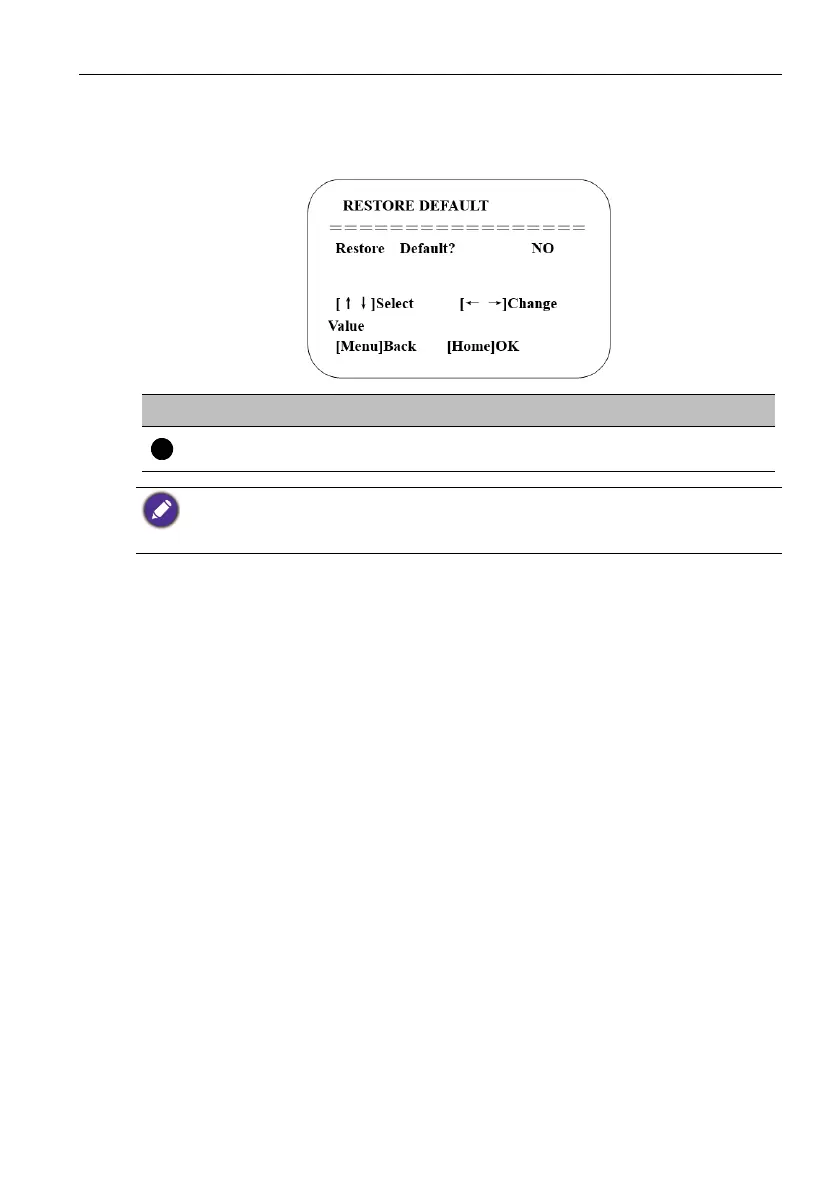
Restore Default
Move the pointer to Restore Default in the main menu, then click the HOME key and
enter RESTORE DEFAULT as follow.
No. Name Descriptions
Restore default
Options: Yes/No; after restoring default, the video
format won't be restored.
If the address of the former remote control is not 1 but another one from 2,3,4, the
corresponding camera address will restore to 1 when all parameters or system parameters are
restored. Users should change the remote control’s address to be 1 (press No.1 according to the
camera so as to get normal operation).



 To Next Page