Menu settings 29
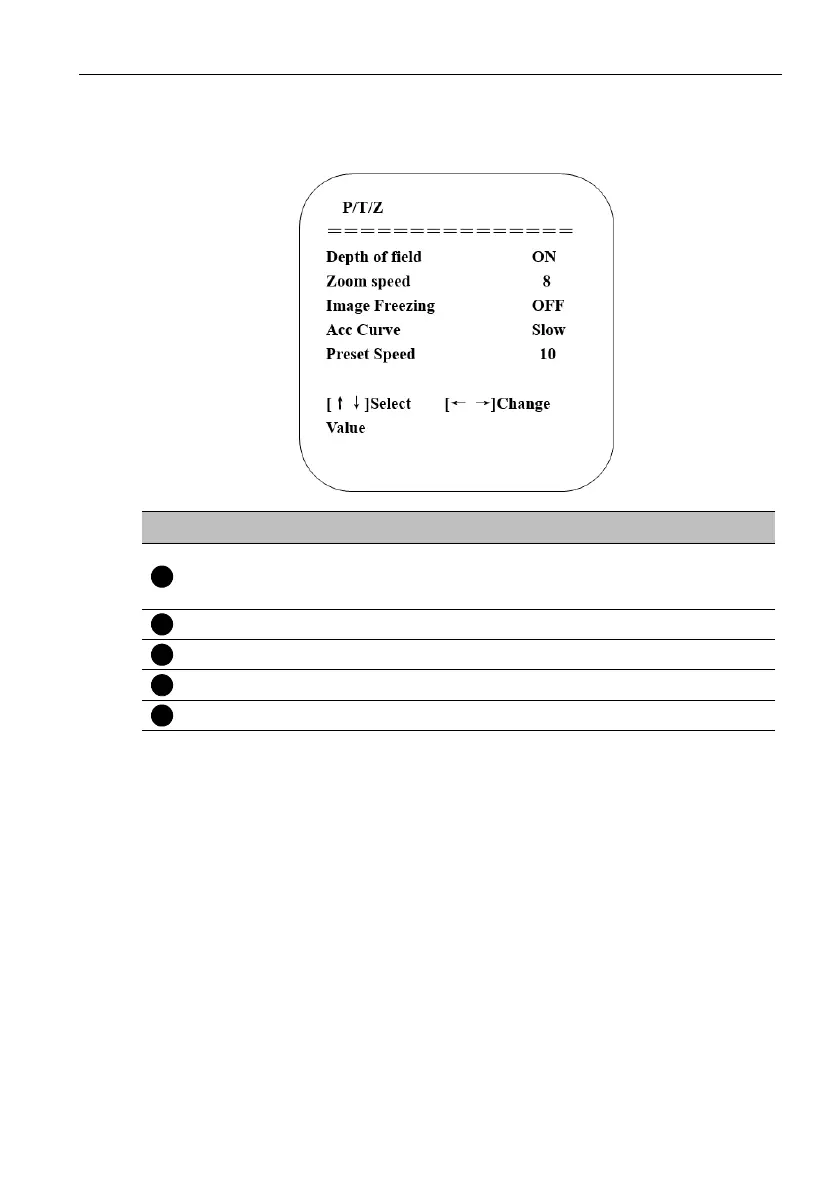
P/T/Z
Move the pointer to P/T/Z in the main menu, then click the HOME key and enter P/T/Z
as follow.
No. Name Descriptions
Depth of field
Only effective for remote control, On/ Off. When
zoom in, the PT control speed by remote control
will become slow.
Zoom speed Set the zoom speed for remote control, 1~8
Image Freezing On/Off
Accelerating Curve Fast/Slow
Preset speed 1~10



 To Next Page