Menu settings28
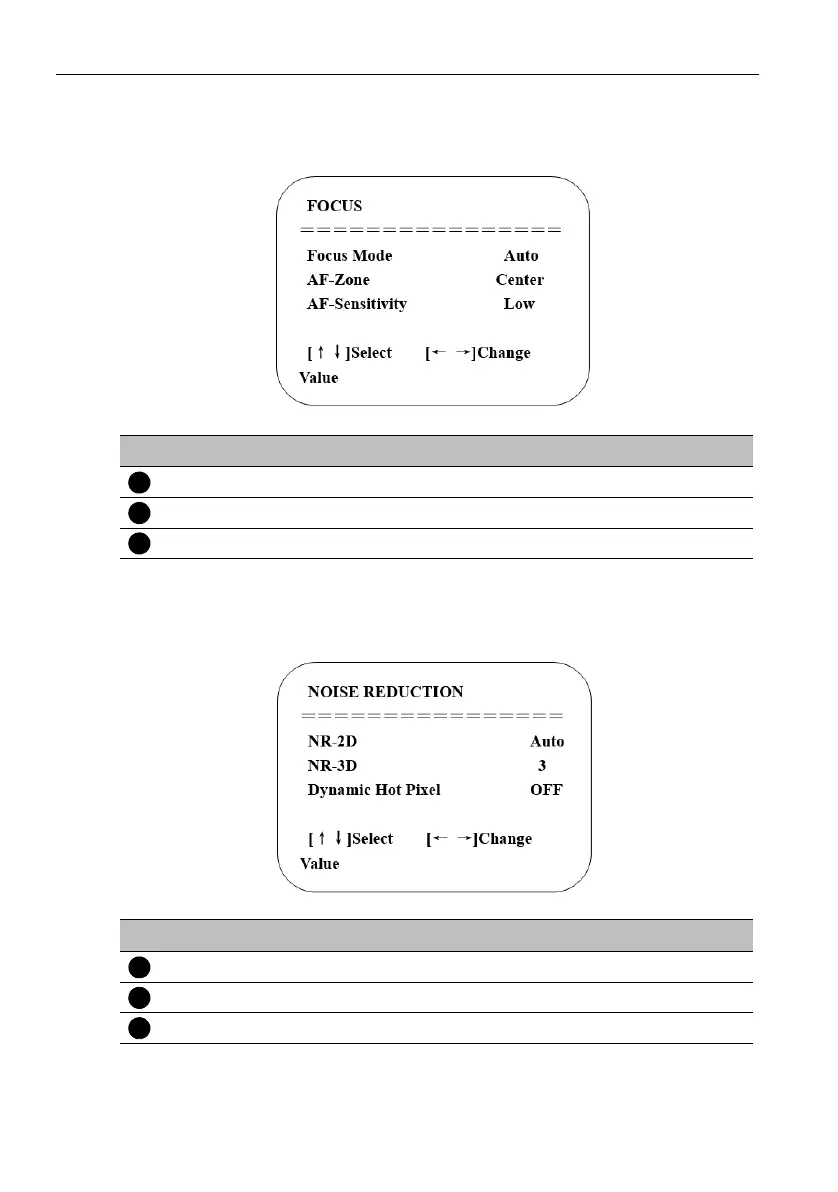
4. Focus setting
Move the pointer to Focus in the main menu, then click the HOME key and enter IMAGE
as follow.
5. Noise reduction setting
Move the pointer to Noise reduction in the main menu, then click the HOME key and
enter NOISE REDUCTION as follow.
No. Name Descriptions
Focus Mode Auto, Manual, One push
AF-Zone All, Top, Center, Bottom
AF-Sensitivity High, Middle, Low
No. Name Descriptions
2D Noise Reduction Auto, Off, 1~7
3D Noise Reduction Off, 1~8
Dynamic Hot Pixel Off, 1~5



 To Next Page