29 Operation (under Launcher source)
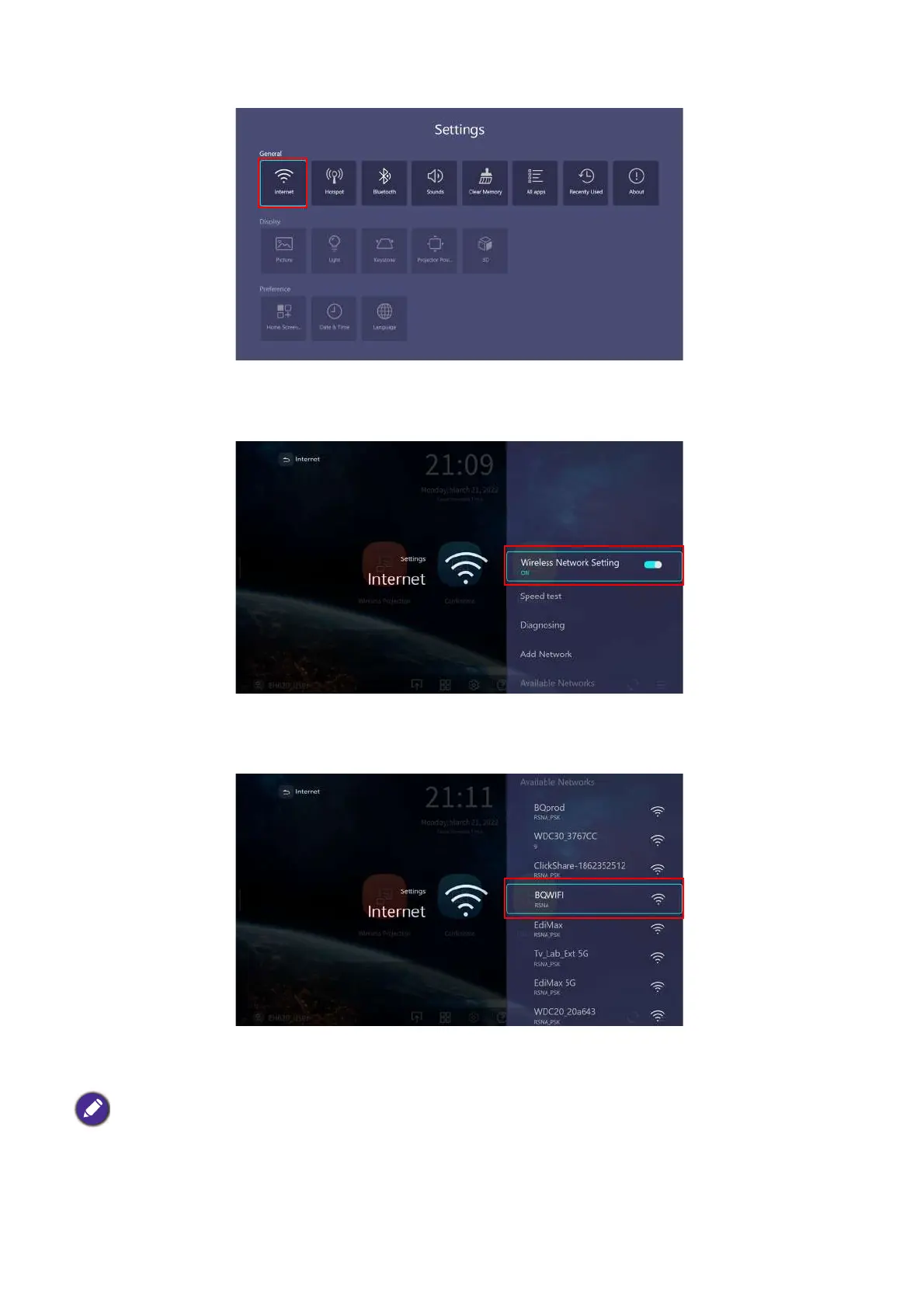
5. Select Wireless Network Setting and press OK to enable.
6. Select the SSID for the wireless AP you want to connect to and press OK.
• To connect to a hidden wireless network select Add A Network and enter the SSID, security setting, and
password for the network.
• The list of available wireless networks will be refreshed every 10 seconds. If the desired SSID is not listed please
wait for refreshing to complete.












 To Next Page