28 Operation (under Launcher source)
Wireless Connections
Connecting the projector to a wireless network
Before you can project wirelessly via the projector, you must connect your device to the same wireless
network as your projector. To connect your projector to a wireless network, or to switch wireless
networks:
1. Install the provided wireless dongle into the wireless dongle port (see Installing the USB Wi-Fi
dongle on page 8).
2. Power on the projector (see Starting up the projector on page 19)
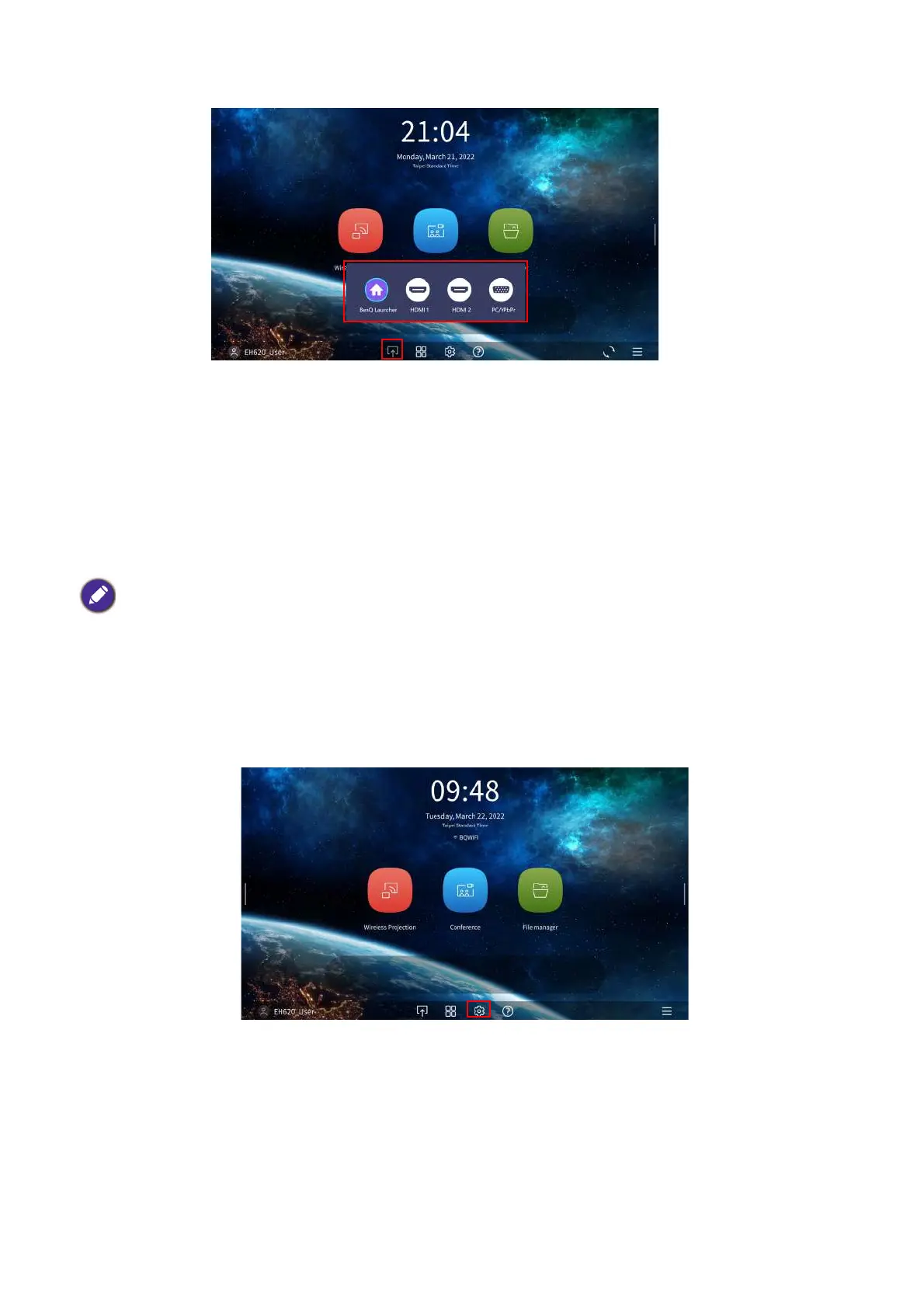
3. On the home screen of the BenQ Launcher interface select the Settings button and press OK.
4. Select Internet in the General section of the Settings menu and then press OK.
If you have already connected the projector to a wireless network during the setup wizard you
may skip the steps in this section












 To Next Page