Operation
47
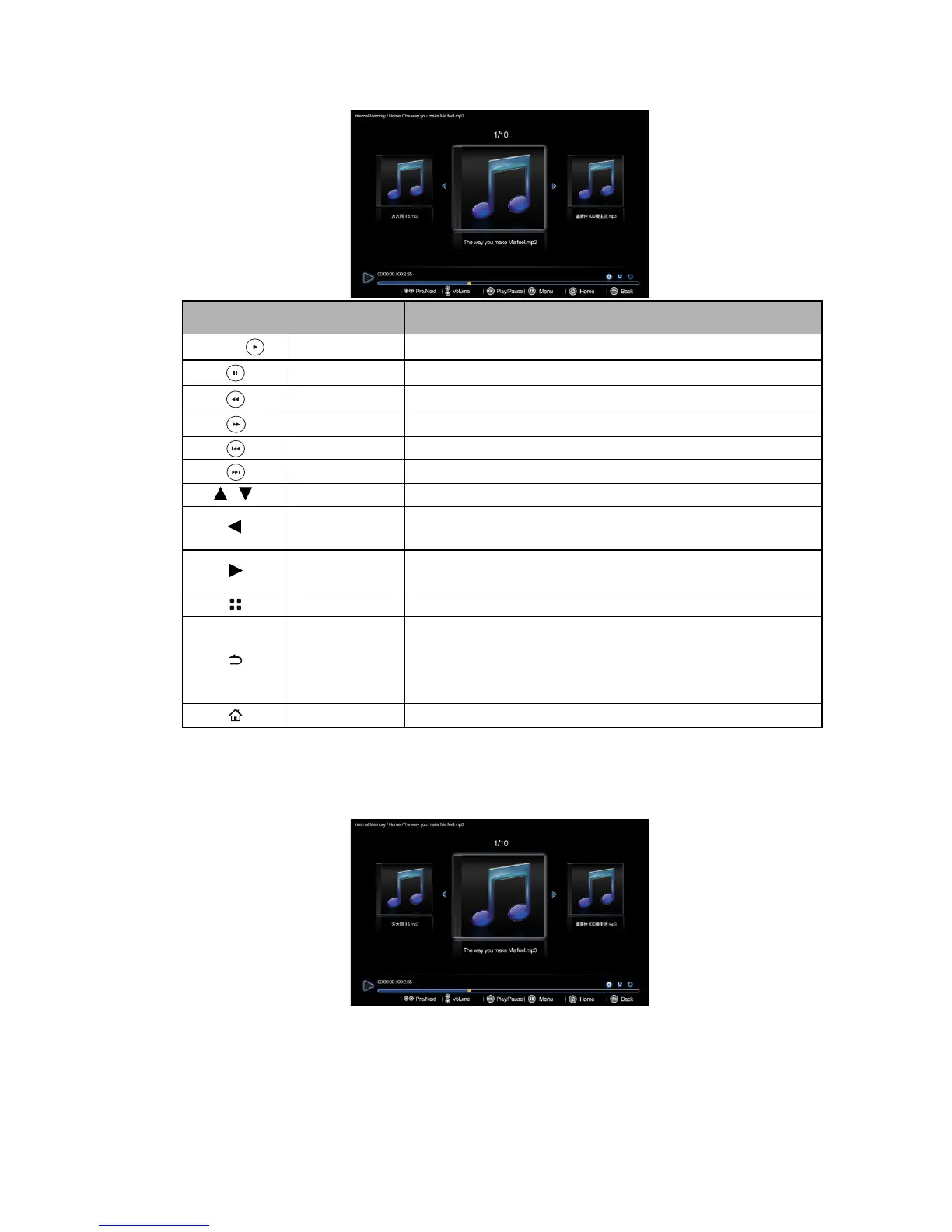
When playing music
Music player pop-up settings menu
The music player pop-up menu provides an on-screen display (OSD) for adjustments when
playing music.
NAME DESCRIPTION
OK/
Play/Pause Plays or pauses music.
Pause Pauses music.
Rewind Rewinds the music.
Fast-forward Fast-fowards the music.
Prev. Plays the previous music.
Next Plays the next music
/
Volume+/- Adjusts volume up/down.
Prev.
• Plays the previous music.
• Press and hold to rewind the music.
Next
• Plays the next music.
• Press and hold to fast-forward the music.
Menu Opens/closes music pop-up settings menu.
Back
• Returns to upper level of OSD.
• Closes video pop-up setting menu.
• Leaves current music player and back to music file
browser.
Home Exits music player and go back to home screen.



 To Next Page