Operation
48
Using the menu
1. To open the OSD menu, press on the projector or remote control when the
projection screen is displayed.
2. When the OSD is displayed, press / to select the desired item and adjust the
settings by using / .
3. To exit the OSD, press on the projector or remote control again.
Menu system
Description of each menu
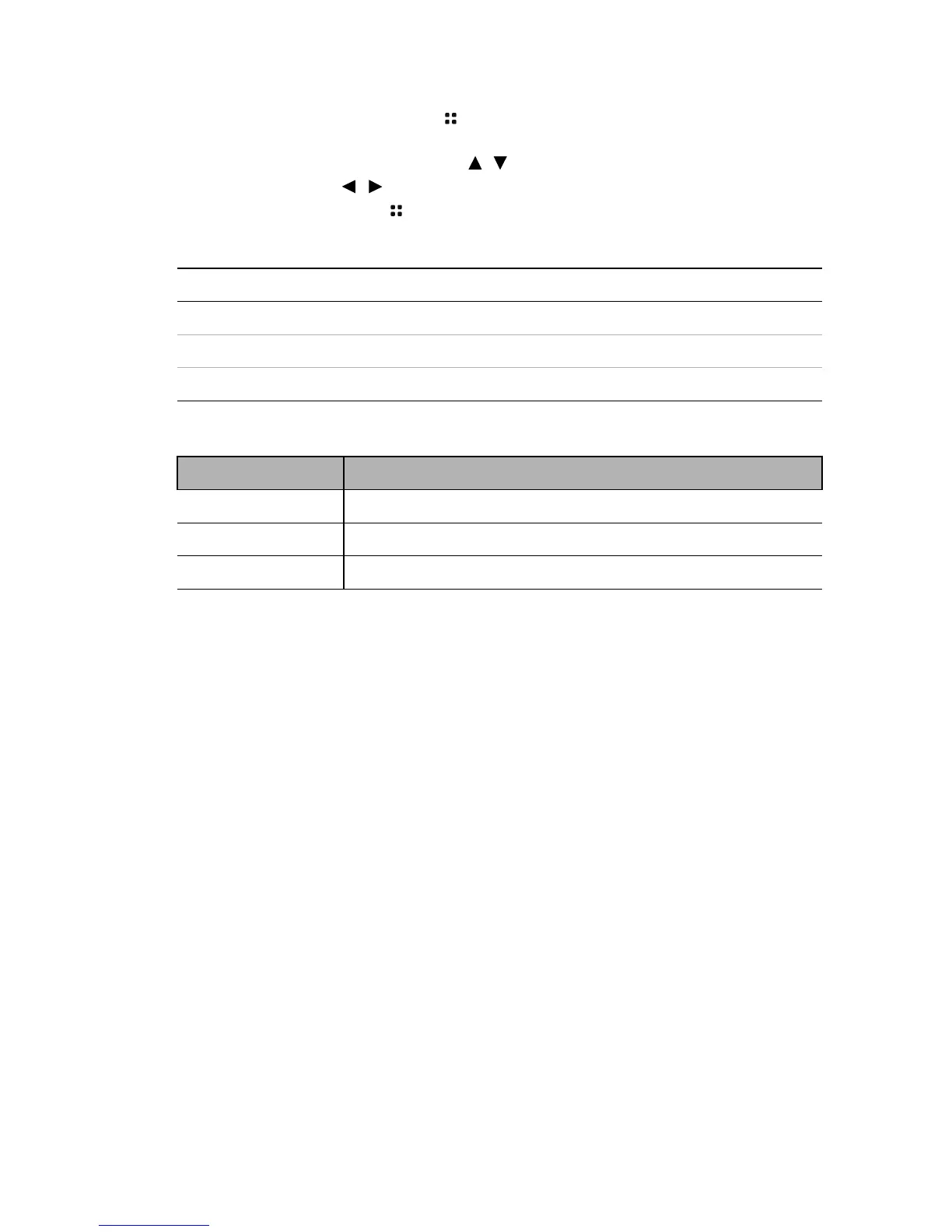
Menu Item Options
Play Mode
All in folder/One music
Play Order
Normal / Shuffle
Repeat
On/Off
FUNCTION DESCRIPTION
Play Mode
Choose to play one music or all music in a folder.
Play Order
Select the playback order of music files.
Repeat
Select whether to repeat music playback.



 To Next Page