Operation
66
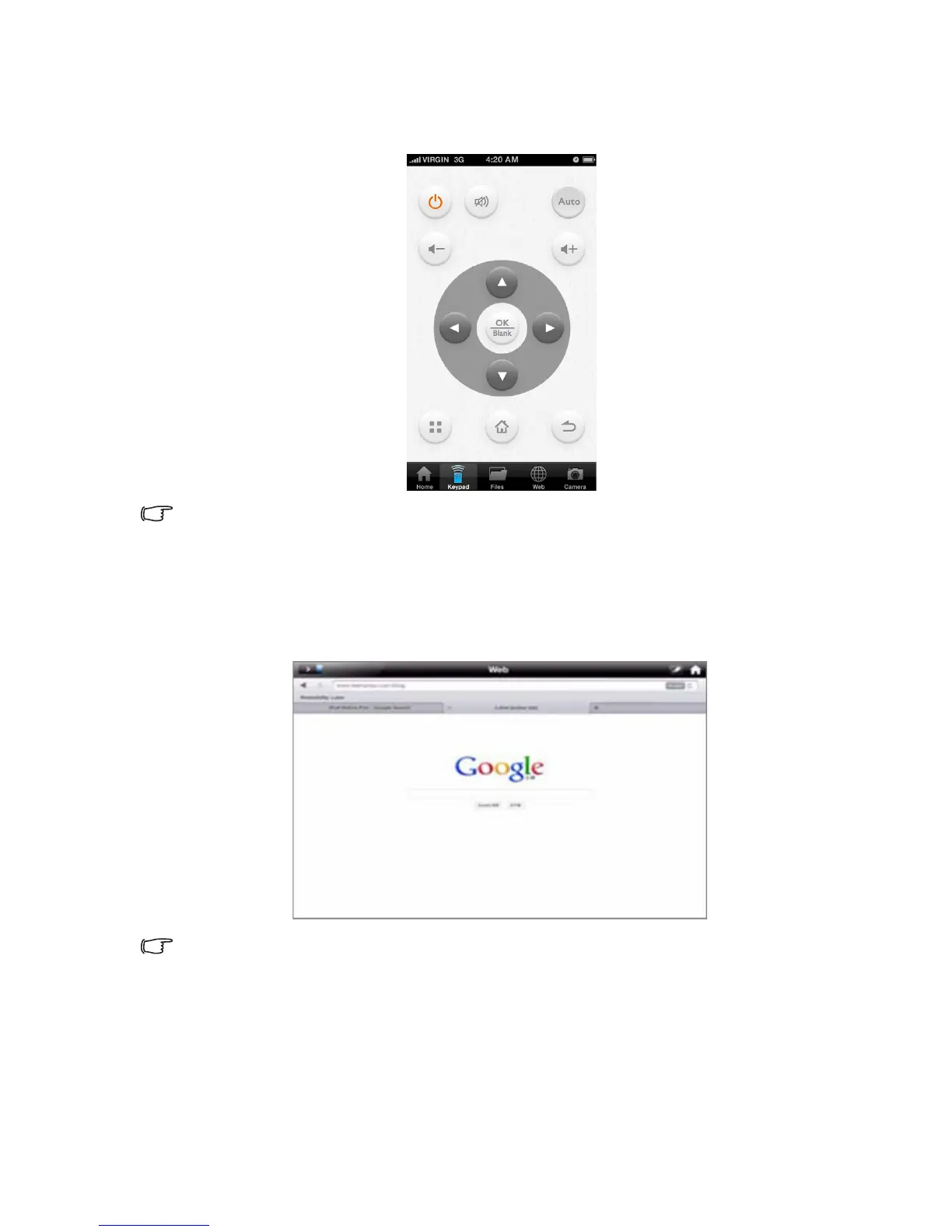
2. Control the projector remotely with your mobile device through Wi-Fi network.
• “Keypad” page displays GP20 RC keypad and allows you to control the
projector from your mobile device through Wi-Fi network.
This feature is only applicable when GP20 and the mobile device are both under the same
network in Wi-Fi client mode.
3. Display web pages
• “Web” function allows you to display any web page shown on your mobile
device.
• “Sketch” function is supported under the “Web” function.
This feature is only applicable when GP20 and the mobile device are both under the same
network in Wi-Fi client mode.



 To Next Page