40 Maintenance
Light source information
Getting to know the light source hour
When the projector is in operation, the duration (in hours) of light source usage is automatically
calculated by the built-in timer. The method of calculating the equivalent light source hour is as follows:
Light Source Usage Time = (hours used in Normal mode) + (hours used in Economic mode) +
(hours used in SmartEco mode) + (hours used in Dimming mode) + (hours used in Custom mode)
Total (equivalent) light source hour = 1.0 x (hours used in Normal mode) + 1.0 x (hours used in
Economic mode) + 1.0 x (hours used in SmartEco mode) + 1.0 x (hours used in Dimming mode) +
1.0 x (hours used in Custom mode)
To obtain the light source hour information:
1. Go to SYSTEM SETUP: ADVANCED > Light Source Information and press OK. The
Light Source Information page appears.
2. Press to select Light Source Timer and press OK. The Light Source Timer is displayed.
You can also get the light source hour information on the INFORMATION menu.
Extending light source life
• Setting the Light Source Mode
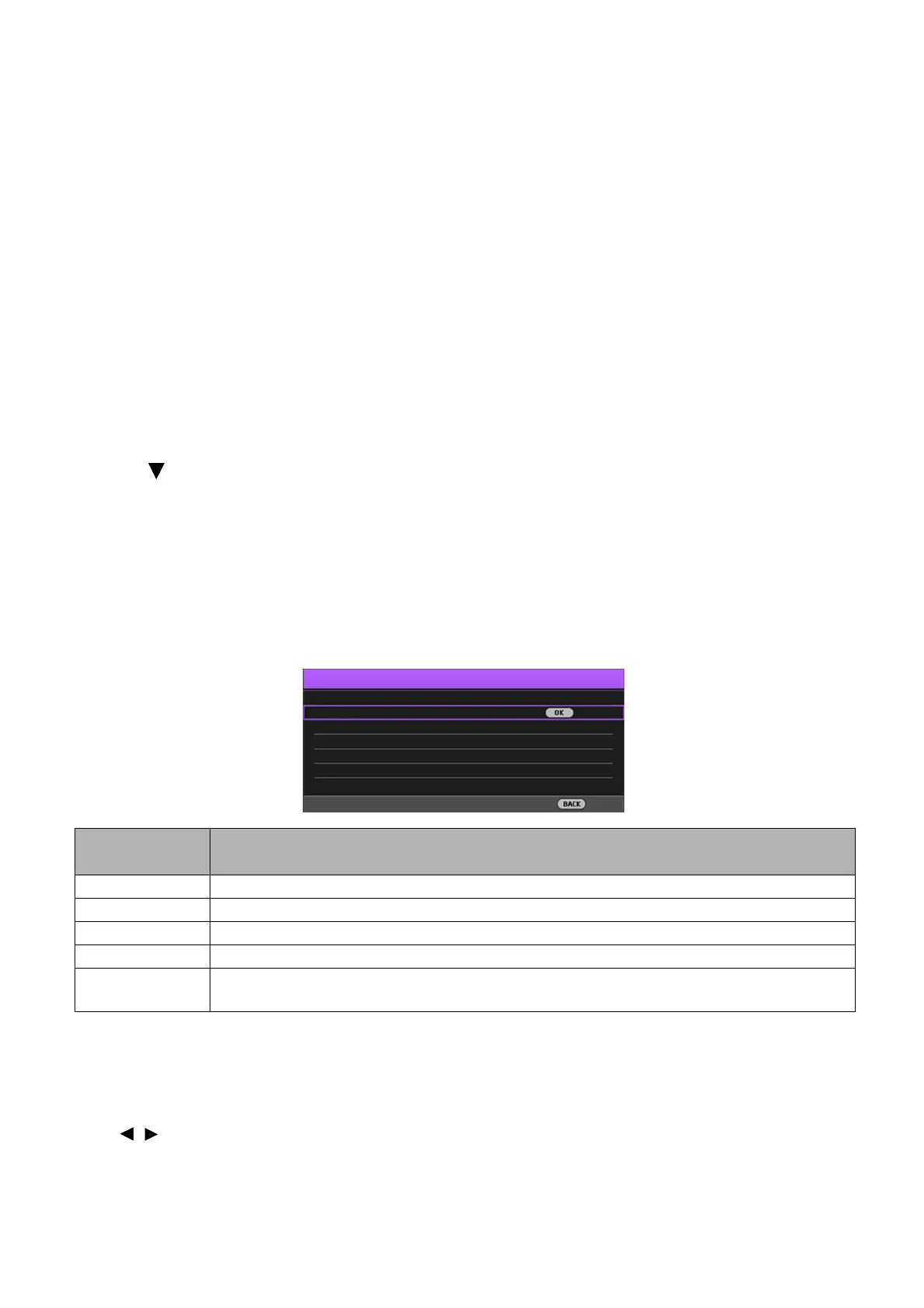
Go to PICTURE > Advanced > Light Source Mode > Light Source Mode or press LIGHT
SOURCE on the remote control to selects a suitable light source power from among the provided
modes.
• Setting Auto Power Off
This function allows the projector to turn off automatically if no input signal is detected after a set
period of time to prevent unnecessary waste of light source life.
To s e t Auto Power Off, go to SYSTEM SETUP: BASIC > Operation Settings > Auto Off and
press / .
Light source
mode
Description
Normal Provides full light source brightness
Economic Lowers brightness to extend the light source life and decreases the fan noise
SmartEco Adjusts the light source power automatically depending on the content brightness level
Dimming Lowers brightness to offer a longer light source life
Custom
Displays the light source brightness adjustment bar so that you can adjust the setting to your
liking
Light Source Mode
Economic
Dimming
Normal
Custom
Back
SmartEco



 To Next Page