33
Method to enter factory menu:
z Use Keypad to enter factory menu
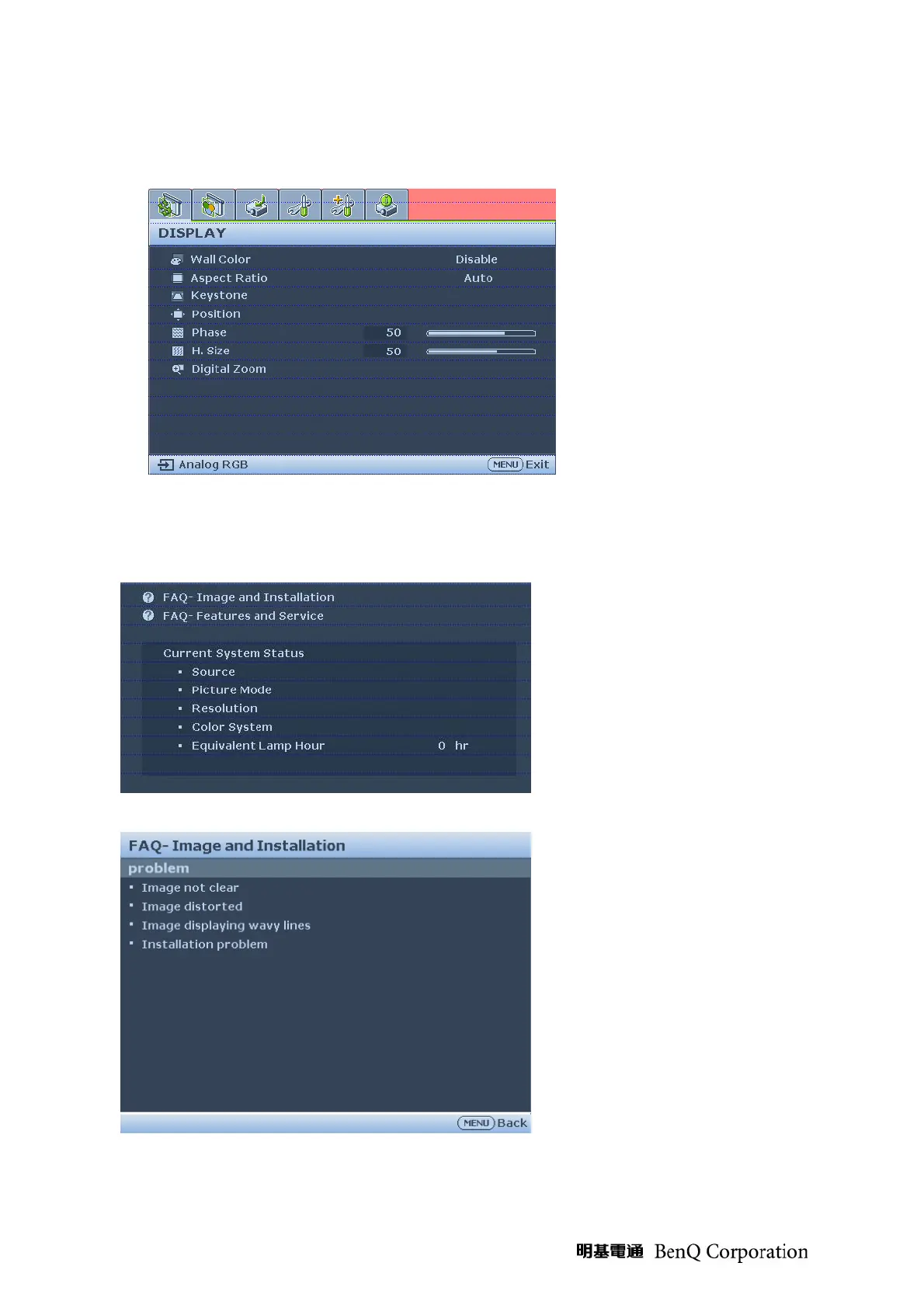
1. Press Menu on keypad than the main menu popup
2. When showing main menu, press Source + Mode at the same time
3. Factory menu popup at the top-left of display
z Use Remote to enter factory menu
1. At the FAQ page, enter Image and Installation icon
2. At the Image and Installation page, enter Installation problem icon



 To Next Page