Maintenance
66
Indicators
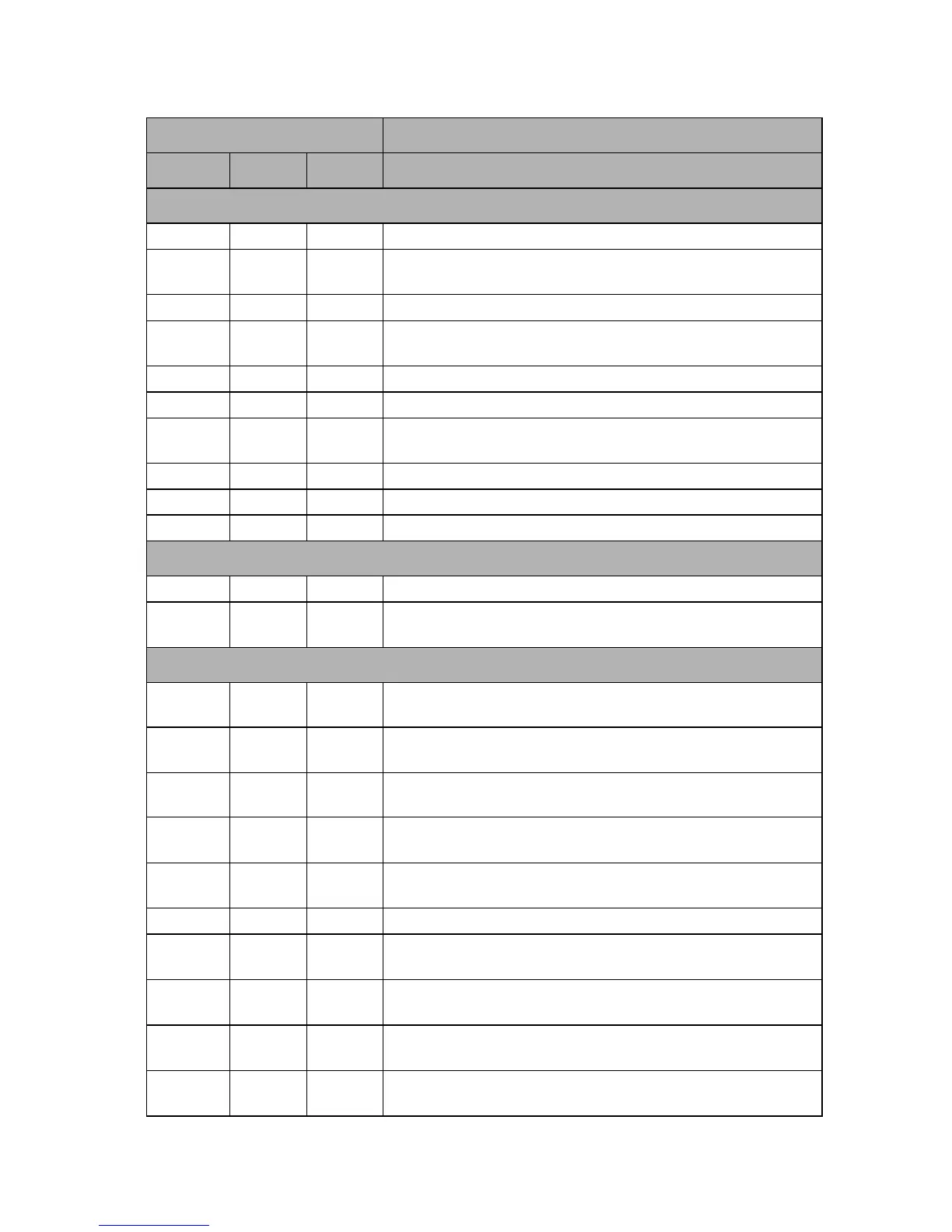
Light Status & Description
POWER TEMP LAMP
Power events
Orange Off Off
Stand-by mode
Green
Flashing
Off Off
Powering up
Green Off Off
Normal operation
Orange
Flashing
Off Off
Normal power-down cooling
Red Off Off
Download
Green Off Red
CW start fail
Red
Flashing
Off Off
Scaler shutdown fail (data abord)
Red Off Red
Scaler reset fail (video projector only)
Green Off Off
Burn-in ON
Green Green Green
Burn-in OFF
Lamp events
Off Off Red
Lamp1 error in normal operation
Off Off
Orange
Flashing
Lamp is not lit up
Thermal events
Red Red Off
Fan 1 error (the actual fan speed is ±25% outside the desired
speed)
Red
Red
Flashing
Off
Fan 2 error (the actual fan speed is ±25% outside the desired
speed)
Red Green Off
Fan 3 error (the actual fan speed is ±25% outside the desired
speed)
Red
Flashing
Red
Flashing
Off
Temperature 1 error (over limited temperature)
Green
Red
Flashing
Off
Thermal Sensor 1 open error
Green Green Off
Thermal Sensor 1 short error
Green
Green
Flashing
Off
Thermal IC #1 I2C Connection error
Green
Flashing
Red Off
Temperature 2 error (over limited temperature)
Green
Flashing
Red
Flashing
Off
Thermal Sensor 2 open error
Green
Flashing
Green Off
Thermal Sensor 2 short error



 To Next Page