Operation
31
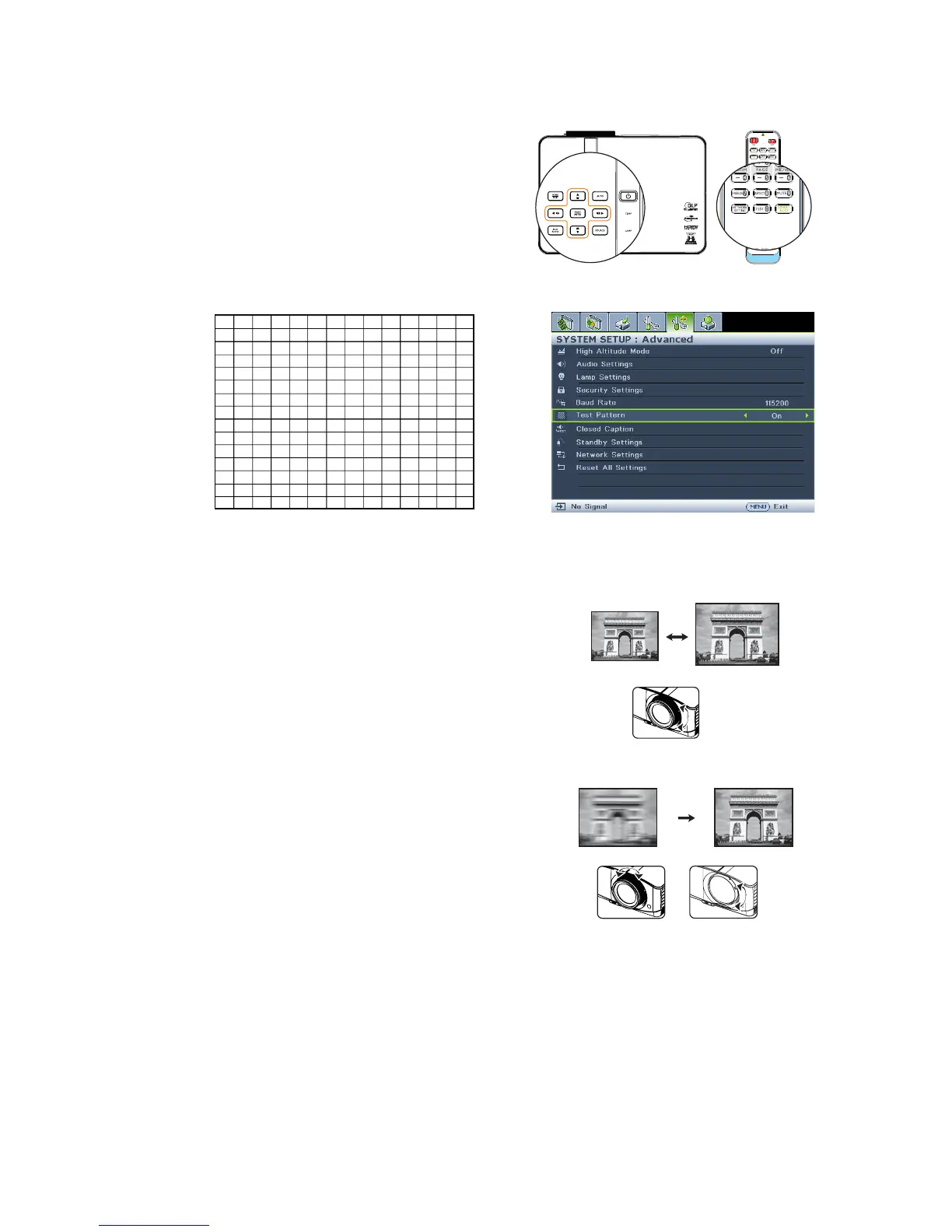
Using build-in test pattern
You can adjust the image shape and focus
status by observing the input signal content, or
using the test pattern build-in OSD manual
from OSD or remote control for better
observe the shape changed.
Open the OSD menu and go to the SYSTEM
SETUP: Advanced > Test Pattern > On.
Press MODE/ENTER. The Test Pattern
displays.
Fine-tuning the image size and clarity
1. Adjust the projected image to the size that
you need using the zoom slide lever.
(MX766/MW767)
2. Then sharpen the image by using the focus
ring/focus slide lever.
MX766/MW767
MX766/MW767
MW822ST



 To Next Page