Operation
52
i. These buttons function the same as the ones on the remote control. See
"Remote control" on page 14 for details.
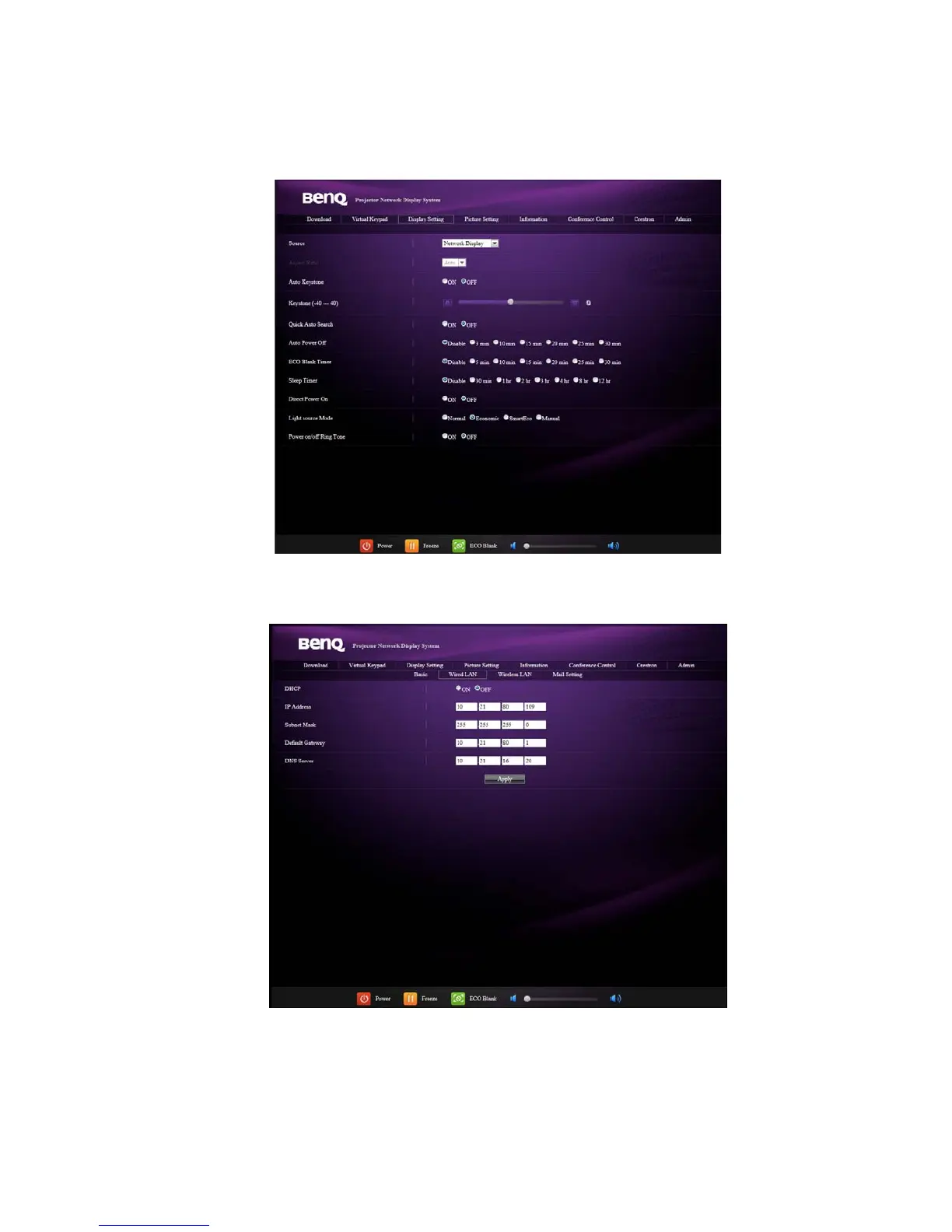
The Display Setting page allows you to operate the projector as if you were using the
OSD menus. These functions are some useful menu settings.
The Picture Setting page allows you to manage the projector as if you were using the
PICTURE menu.
The Information page displays the information and status of this projector.



 To Next Page