Maintenance72
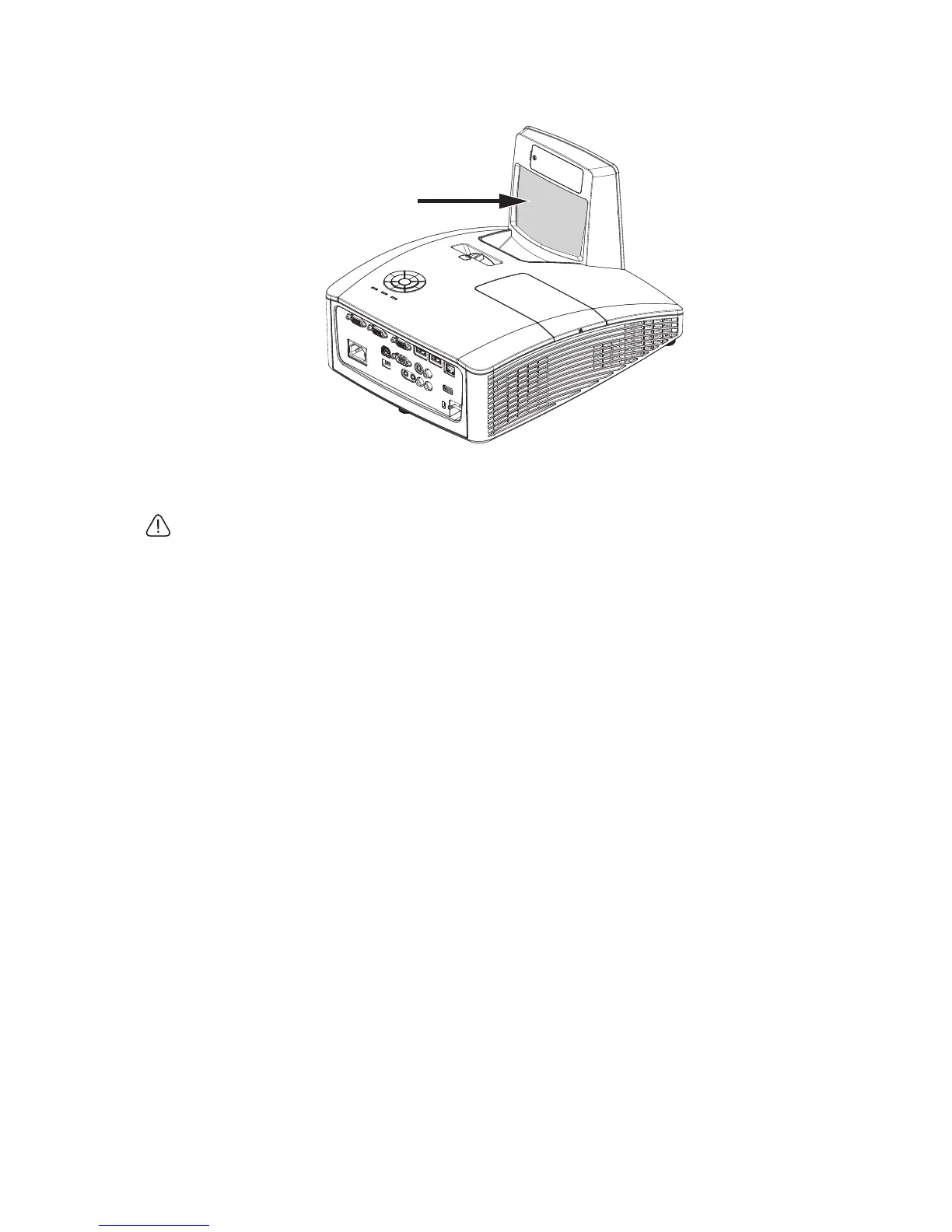
Cleaning the projector mirror
Remove dust with a “Bellows/Lens Blower” readily available from Camera
shops to prevent scratching the mirror when subsequently wiped.
• Always turn the projector off and allow to cool for at least 30
minutesprior to cleaning.
• Never touch the projector mirror or Lens directly by hand.



 To Next Page