9
Making Adjustments
i key (Fuzzy Auto Calibration )
Just push the i key, then the monitor will automatically adjust display's size and
position to the optimum. No re-configuration or adjustment is needed when a
user changes display mode.
The i key function is different from "Reset" function. "Reset" function for display's
geometry, size and position only works under the factory preset timings (please
see page 3). The i key function will work under "ANY" display timings which
Benq P211 can support.
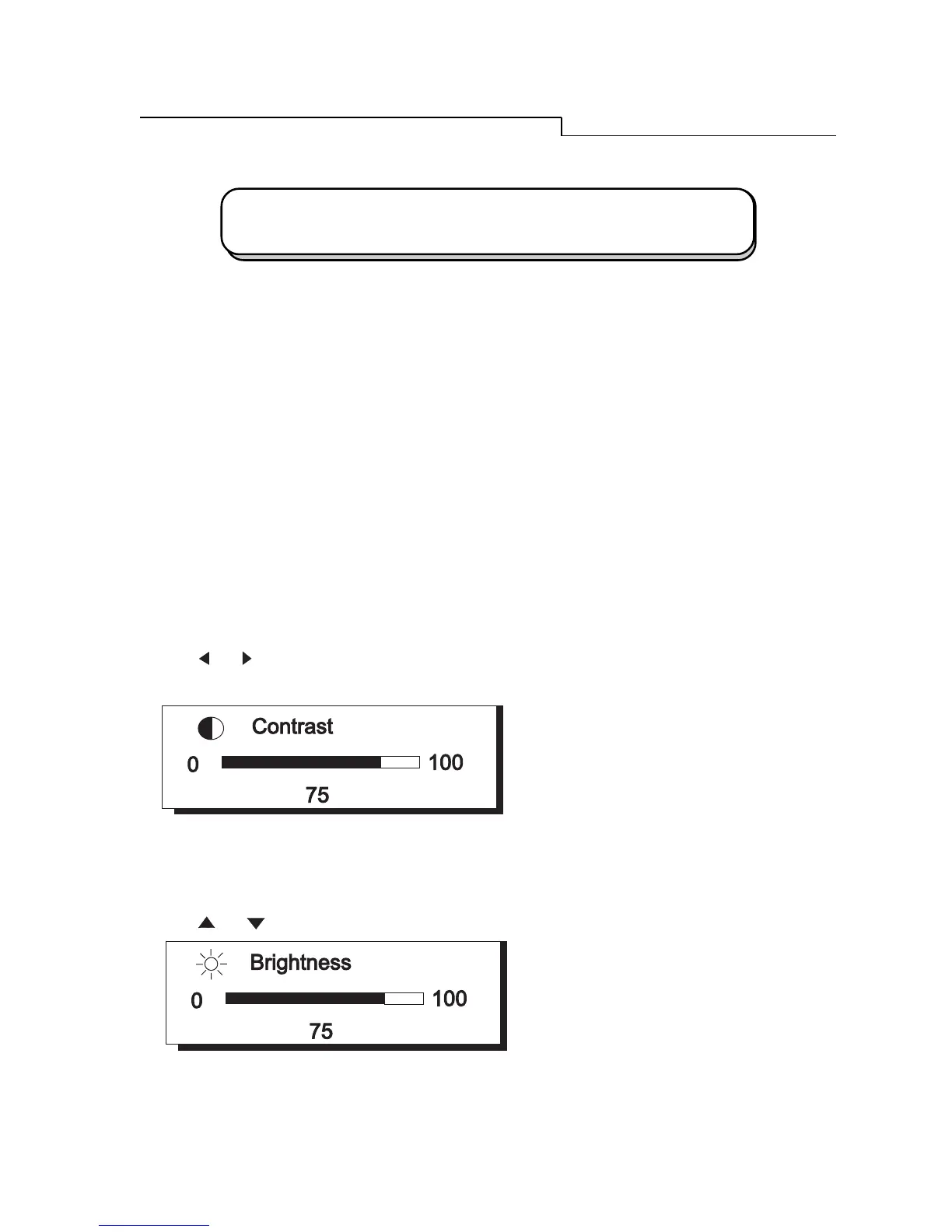
Hot Keys
Press
or
key to adjust contrast directly.
Press
or
key to adjust brightness directly.
A Look at the Control Panel



 To Next Page