Preparation for Setup8
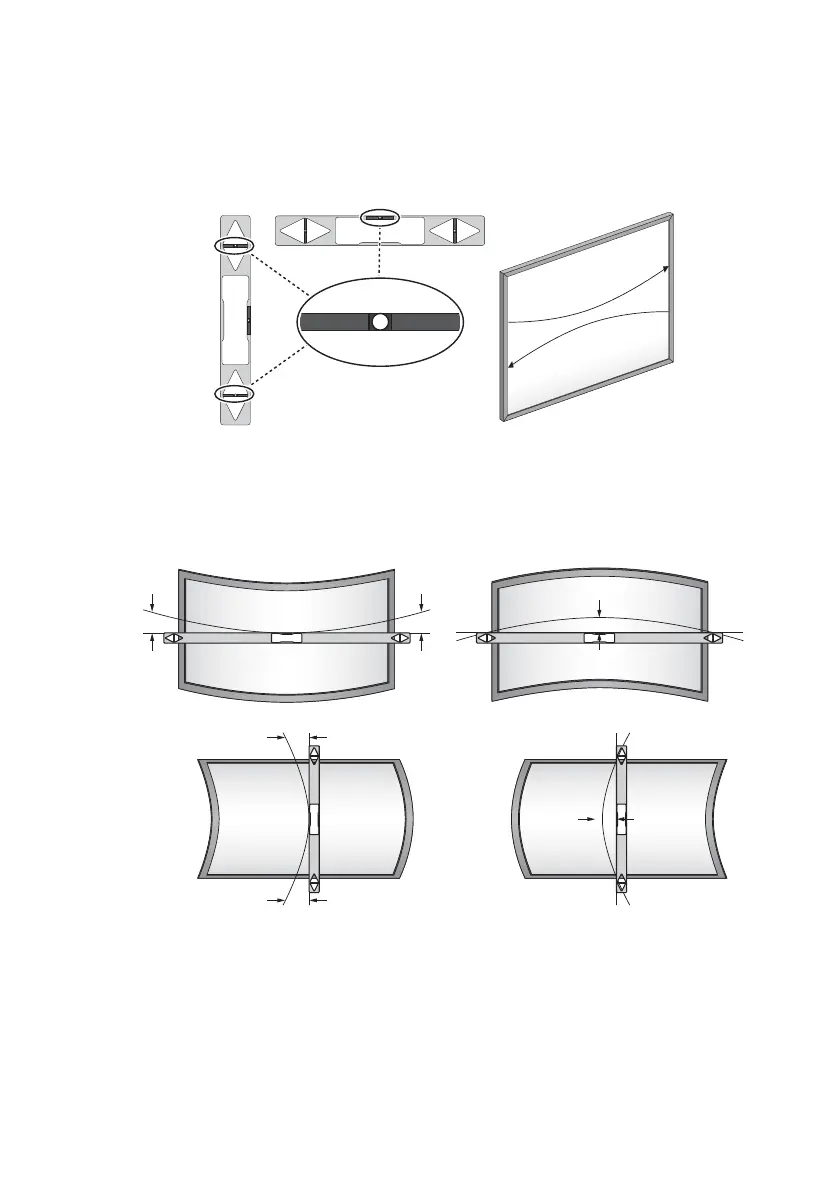
Measuring the Flatness of the Surface
1. Place a six-foot carpenter’s level horizontally across the projection area
(board).
2. Locate the point on the level furthest away from the projection area.
3. Measure the surface flatness on both sides of the projection area.
• Overall finger touch performance is influenced by the flatness of the
projection surface.
• A flatness variance of 2mm in any direction ensures optimal finger touch
performance.
< 2 mm <2 mm
< 2 mm < 2 mm



 To Next Page