Preparation for Setup14
Connection
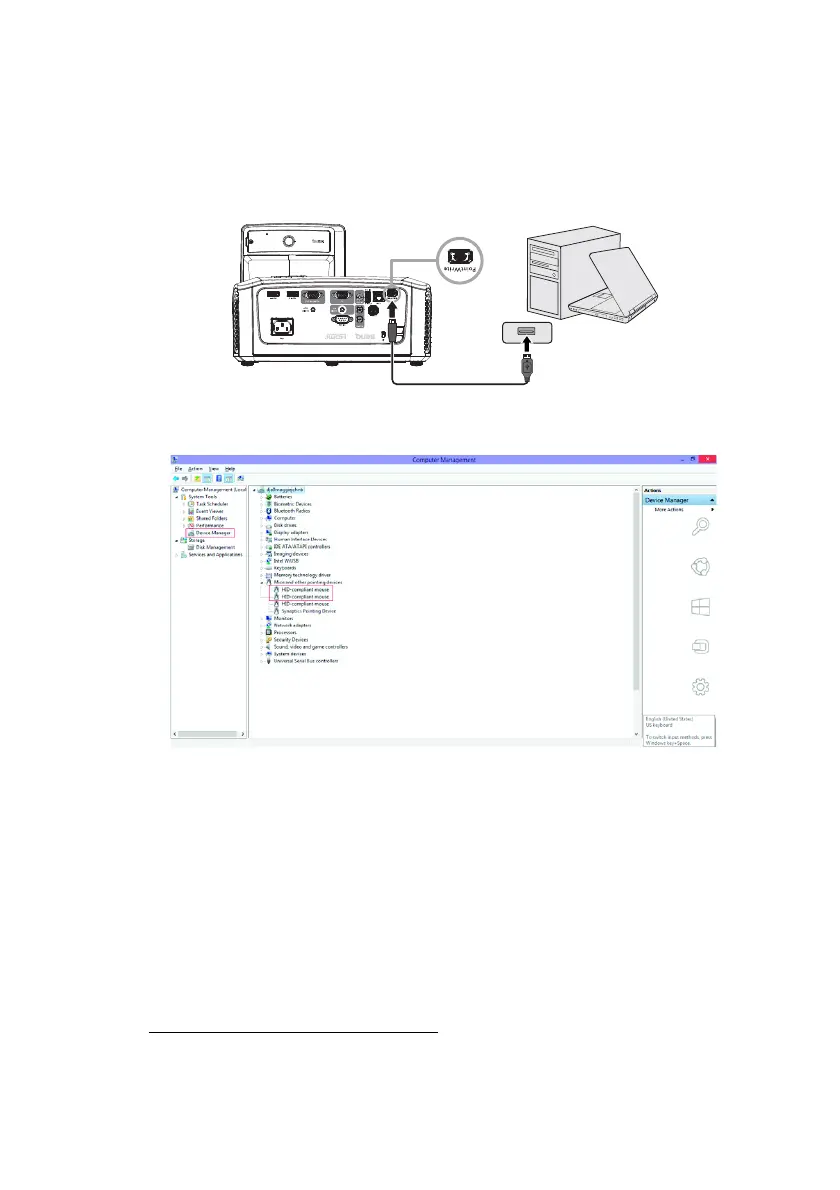
Connecting the PointWrite to PC
Use the USB cable
1
to connect the PointWrite to PC. Plug the USB mini-B
end into the projector and plug the USB type-A end into PC.
Check “Device Manager” from your computer to make sure that PointWrite
device is recognized by your computer.
1.
A USB cable of 2 meters is provided. Use a USB repeater cable If you need to extend
the length.



 To Next Page