37
English
Color
Adjust the Color value using
◄
or
►
to increase or decrease color input to the picture.
Tint
Adjust the Tint value using
◄
or
►
to increase or decrease the color hue of the picture.
Sharpness
Adjust the Sharpness value using
◄
or
►
to sharpen or blur the borders between colors and
objects.
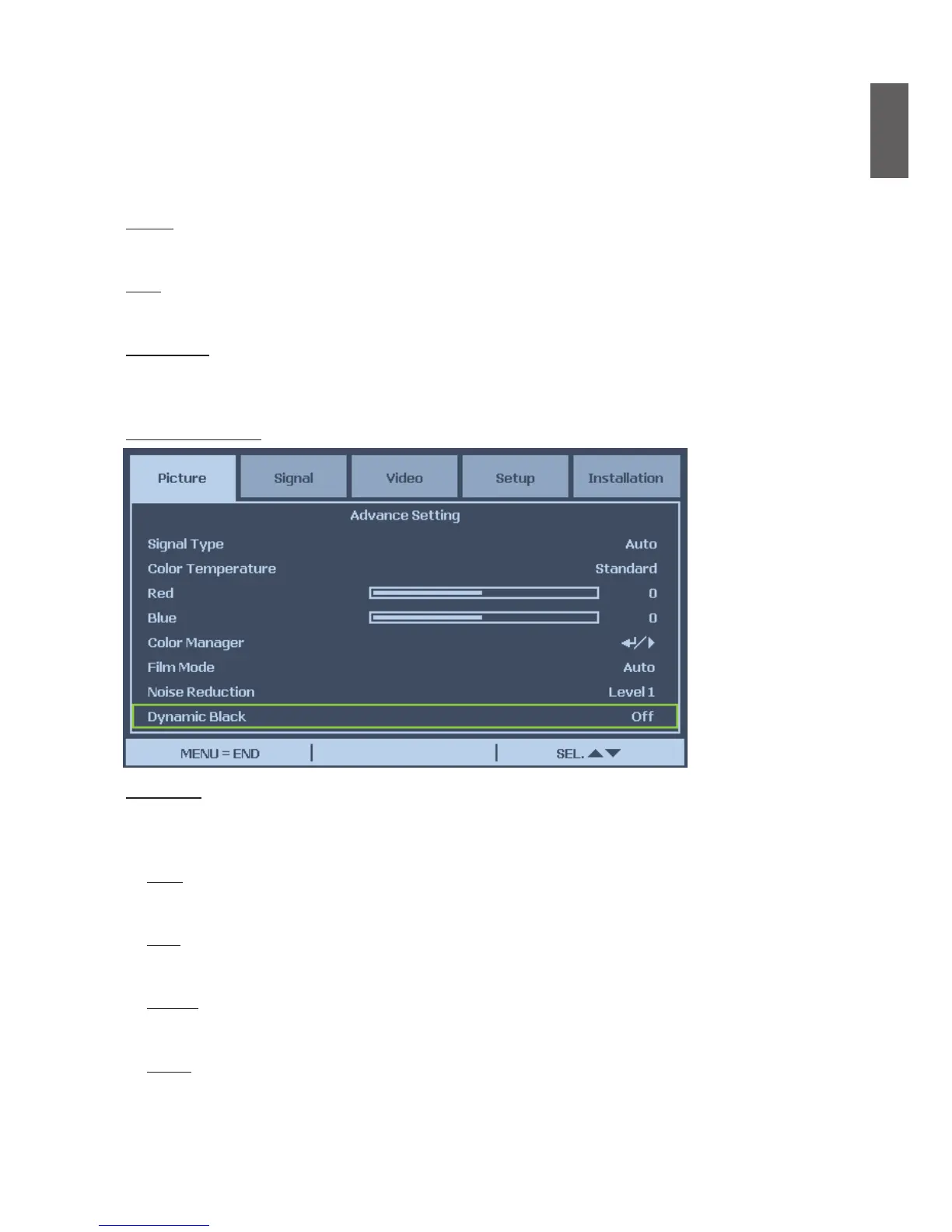
Advance Setting
Signal Type
This function allows you to select the input signal from COMPUTER 1/2, COMPONENT or
DVI-D input.
Auto
Recognize the input signal as RGB or component automatically.
RGB
Set When the input signal is RGB.
YCbCr
Set when the input signal is Component(480I/480P/576I/576P).
YPbPr
Set when the input signal is Component signals(720P/1080i/1080p).



 To Next Page