48
English
Installation
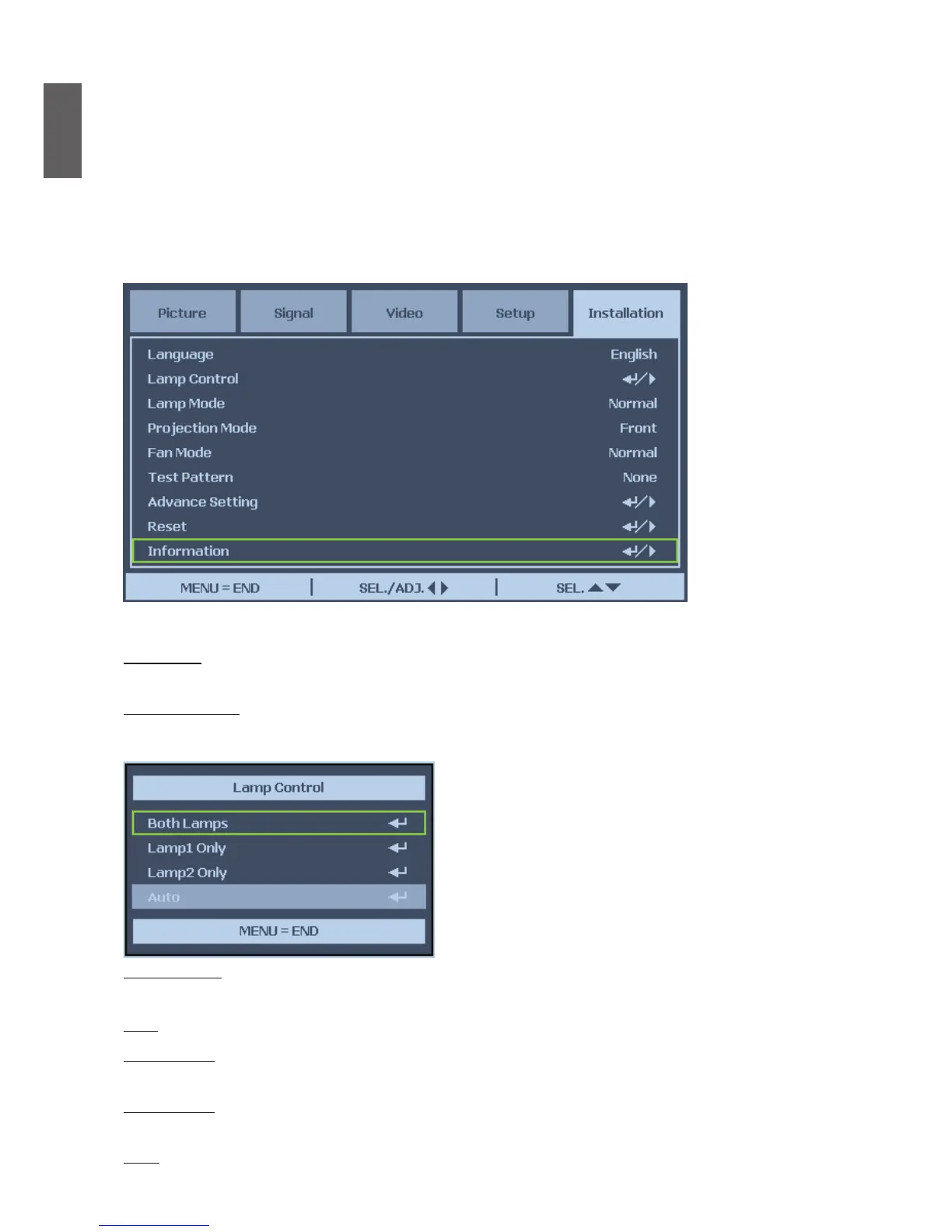
The Installation tab contains menu options for various setup conditions such as orientation and
remote sensor mode and is accessed through the Setting menu.
The following table lists all functions with a brief description.
Language
Select the OSD language to be used.
Lamp Control
This projector is capable of dual-lamp projection and provides four lamp modes for different
purposes. Select Lamp Control then press Enter to display lamp control option.
Lamp Mode
Select Normal to deliver brightest and clear image, Eco to extend the lamp life and reduce fan noise.
Both Both lamps are used for greater brightness.
Lamp 1 Only Select Lamp 1 for the projector. If lamp 1 burns out, the projector switches the lamp
control to lamp2 automatically.
Lamp 2 Only Select Lamp 2 for the projector. If lamp 1 burns out, the projector \ switches the
lamp control to lamp2 automatically.
Auto Select the lamp which the usage is lower than the other one.



 To Next Page