47
English
Wall Color
This function allows you to project the image to the colored wall or board without using a screen.
Whiteboard: Image is projected to a whiteboard.
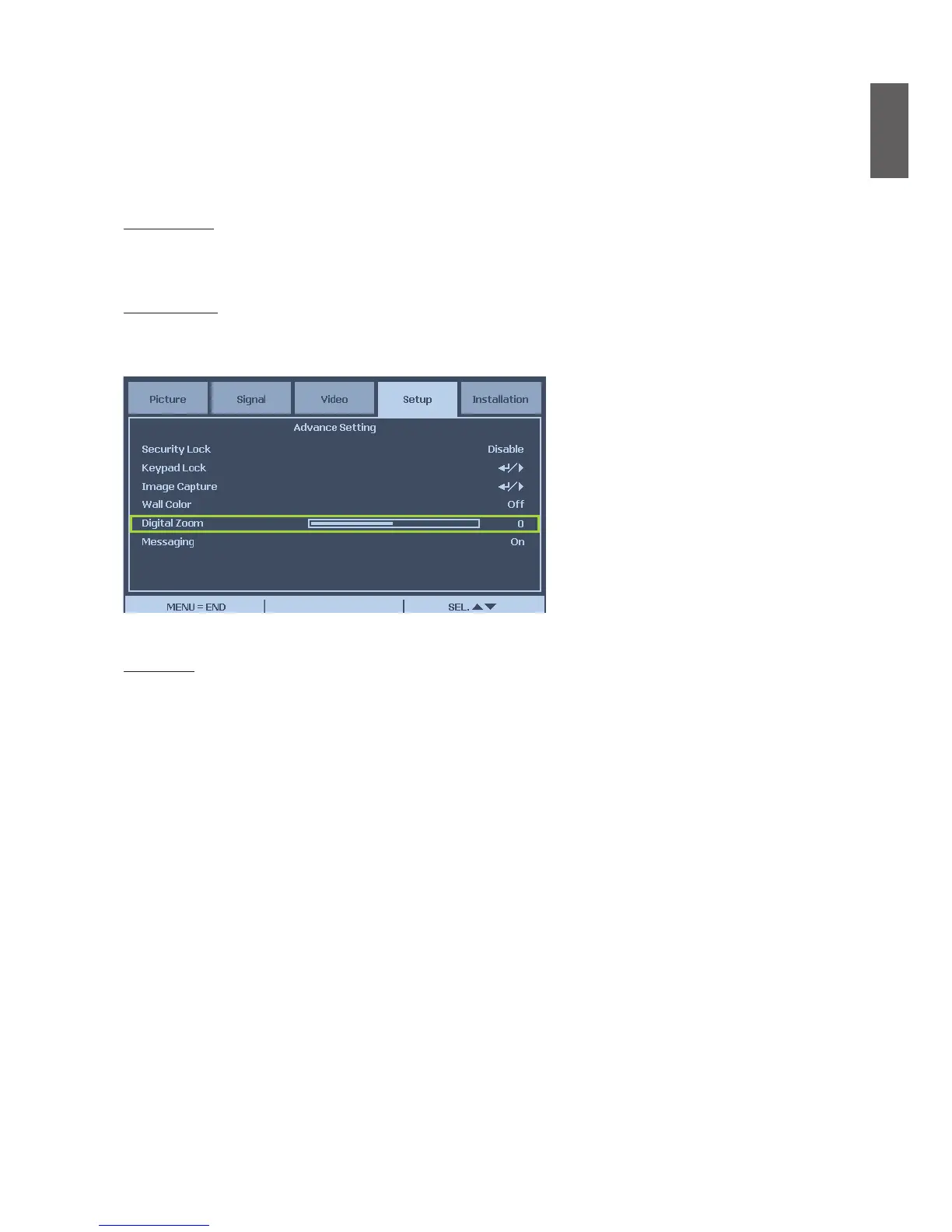
Digital Zoom
Press arrow key
◄
to reduce the image size or arrow key
►
magnify the image on projection
screen.
Messaging
The function allows you to turn off below message on the projected image, Select On to display
the message, Off to hide the message.
- Source Status
- Message of entering standby mode when STANDBY button or Power button is pressed.
- Auto Sync
- Clean the Filter
- Lamp life Warning



 To Next Page