57
English
Unlocking the Projector
To unlock the projector, refer to the following guide.
1. When the projector is locked, either by request during operation or at start up, the locked
message is displayed.
2. To unlock the projector, press Menu on the control panel or remote control. The PIN code
window is displayed. Enter the previously dened PIN code to activate the projector.
Using the Physical Lock
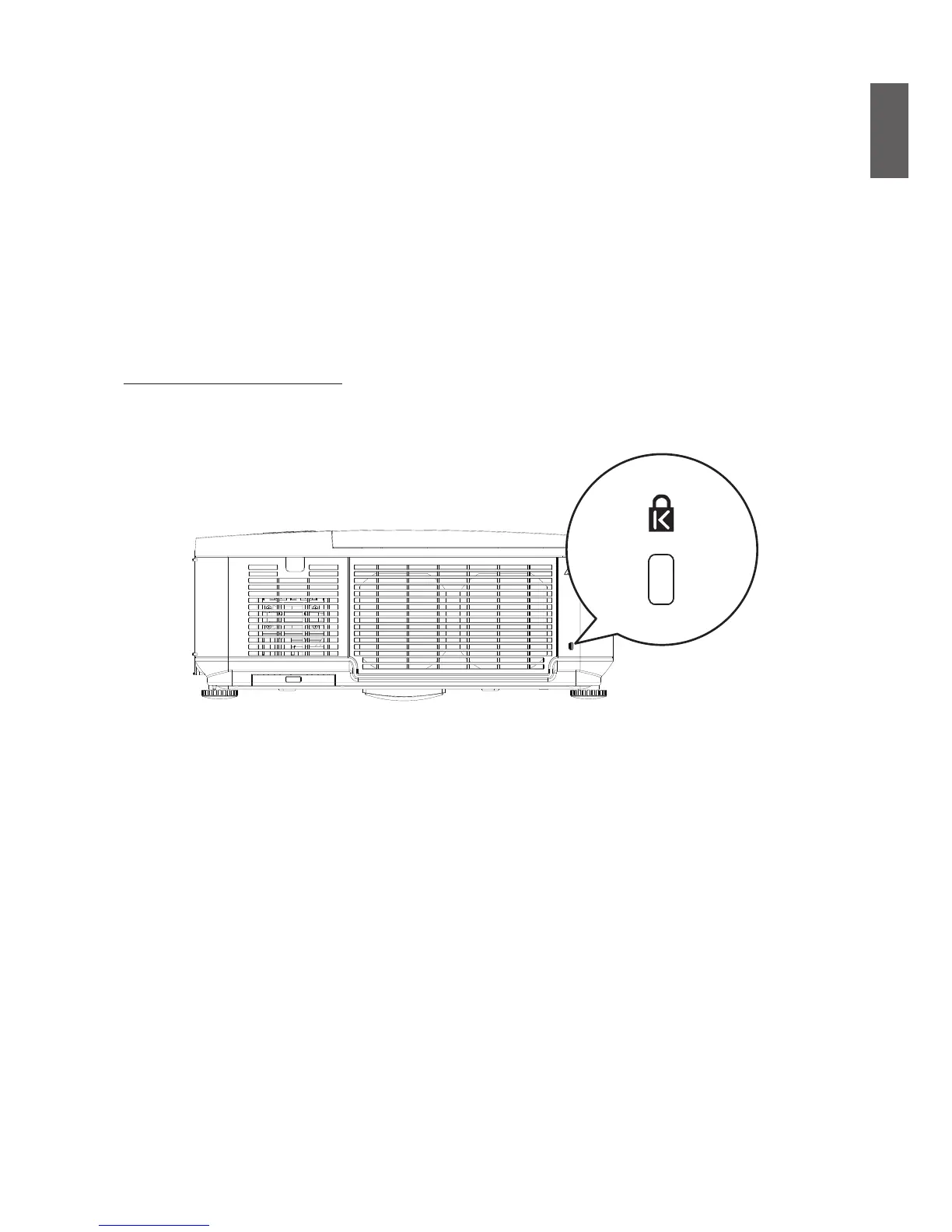
Using the Kensington Lock
If you are concerned about security, attach the projector to a permanent object with the
Kensington slot and a security cable.



 To Next Page