7 English
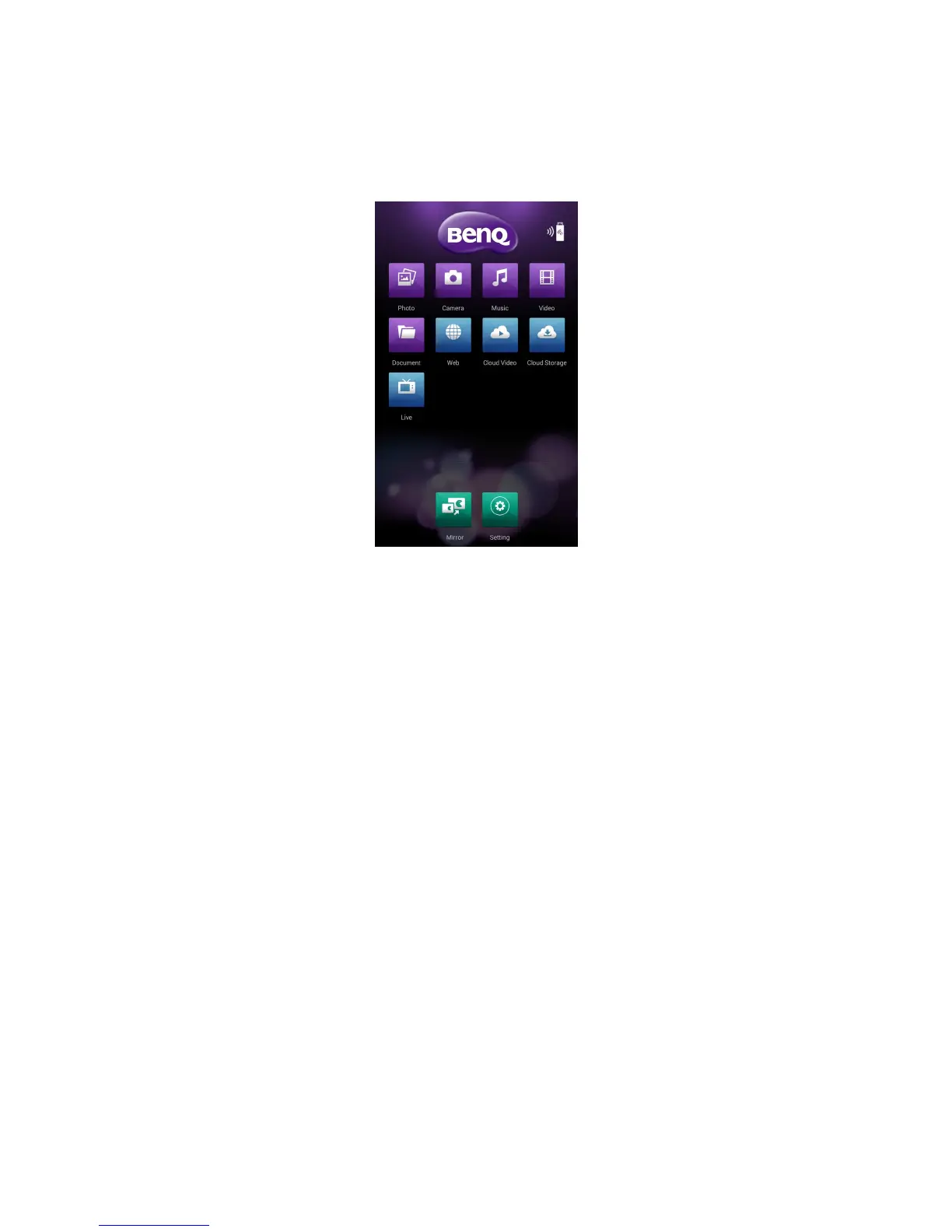
Working with BenQ QCast
Once BenQ QCast has been installed and launched suc-
cessfully, you are ready to perform wireless media streaming
and enjoy the wireless projection. Simply tap Mirror from
BenQ QCast and follow the on-screen instructions.
If the device has been connected to a wireless AP, you can •
screencast the web content and the les stored on your
mobile device.
If the device is not connected to a wireless AP, you can •
screencast the les stored on your mobile device only.
Functions that are not available will be grayed out.
Working with other DLNA software
The dongle can work with other DLNA-supported devices
and turn your display / projector a DLNA-compatible player.
To do so, you need to install an appropriate DLNA software
on your device rst.
Follow the on-screen instructions as the operation may
vary by software.



 To Next Page