5 English
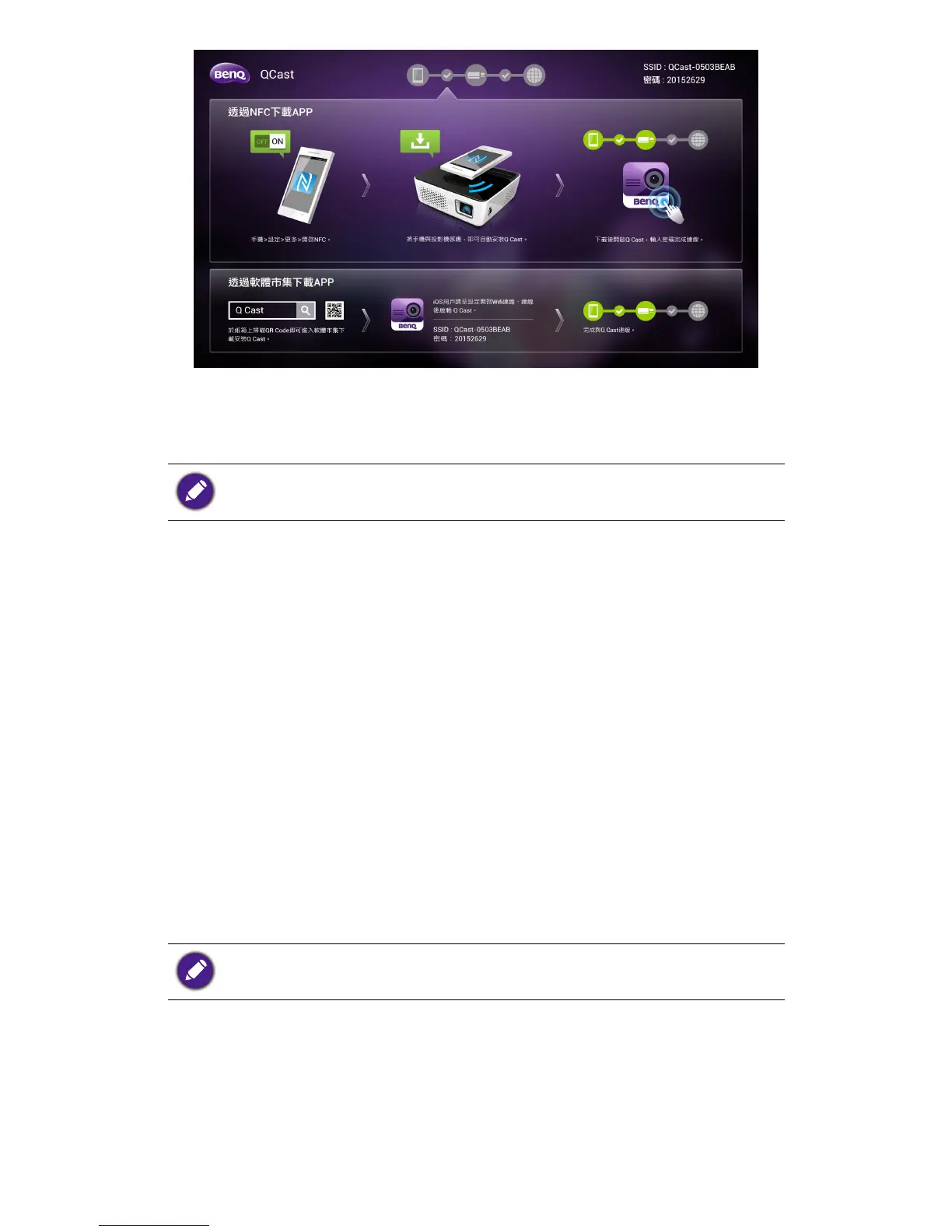
Installation on an Android device (with NFC
function)
Available for Android 4.0.
Make sure your device is connected to the Internet and is 1.
NFC-enabled.
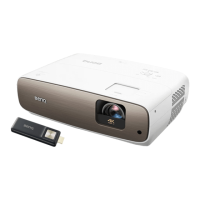
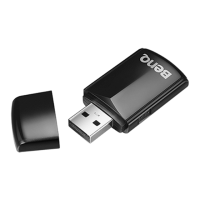
Make sure the dongle is connected to the projector.2.
Read the instruction card that came with the provided 3.
NFC chip sticker. You are recommended to stick the
sticker on the instruction card and attach the card to
your projector.
Tap your mobile device to the NFC chip sticker to install 4.
the BenQ QCast app and establish the wireless connec-
tion automatically.
Tap your mobile device to the NFC chip sticker again to 5.
launch the app.
Installation on an iOS or Android device
(without NFC function)
Available for iOS 7 and Android 4.0.
Make sure your device is connected to the Internet.1.
Make sure the dongle is connected to the projector.2.
Search for 3. BenQ QCast in the online application store
and install it.
Search for the dongle’s SSID (displayed as 4. BenQ_
xxxxxxxx) and connect. If you are requested to enter



 To Next Page