1 English
Introduction
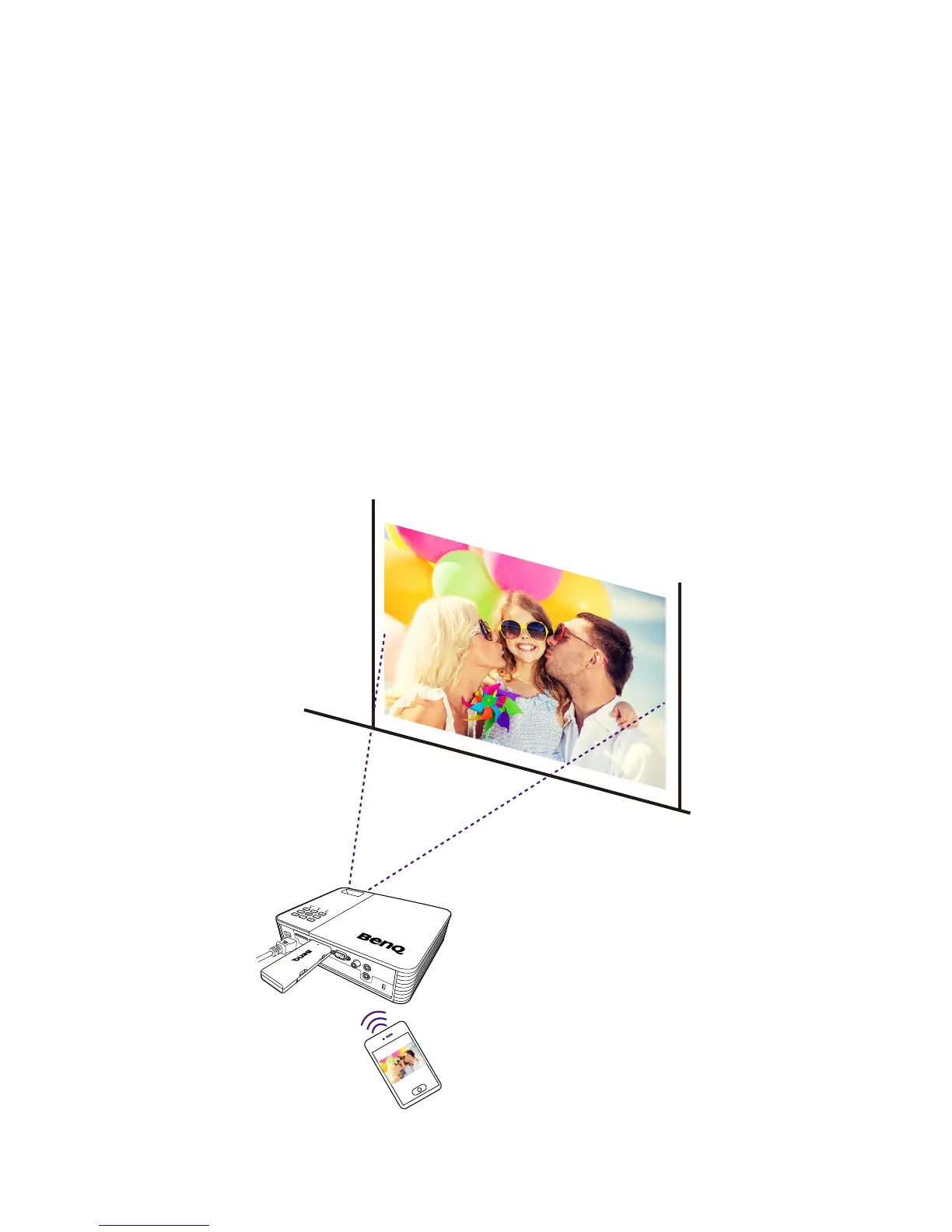
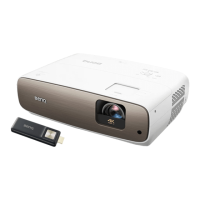
Thank you for choosing BenQ Video Streaming dongle -
QCast, which works with the BenQ QCast software (in-
stalled on your mobile device or computer) and enhances
video and music playback, document review, web surng,
and live video streaming. You are provided with quick wire-
less connection and projection via NFC without any text in-
put. And then you can mirror the content from your mobile
device to a display wirelessly as it supports Miracast.
The dongle can be connected to any display such as projec-
tor, LCD monitor, or TV, as long as supported I/O ports are
available. In this document, connection with a projector is
used as an example. The installation and operation may vary
by the connected devices.
For more information, visit www.BenQ.com > Product >
Projectors > Accessories & APPs, and select QCast.



 To Next Page