6English
a password, check it on the upper-right corner of the
BenQ QCast screen.
Tap the app icon to launch it.5.
Installation on a Windows or Mac OS device
Available for Windows XP / Vista / 7 / 8.1, and Mac OS 10.8 / •
10.9.
Audio transmission is not supported on Windows XP.•
Make sure your device is connected to the Internet.1.
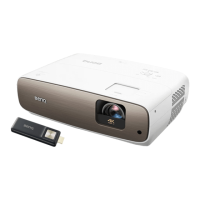
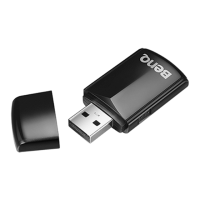
Make sure the dongle is connected to the projector.2.
Download the 3. BenQ QCast software from
www.BenQ.com > Product > Projectors > Acces-
sories & APPs.
Search for the dongle’s SSID (displayed as 4. BenQ_
xxxxxxxx) and connect. If you are requested to enter
a password, check it on the upper-right corner of the
BenQ QCast screen.
Click the 5. BenQ QCast icon on the desktop to launch it.
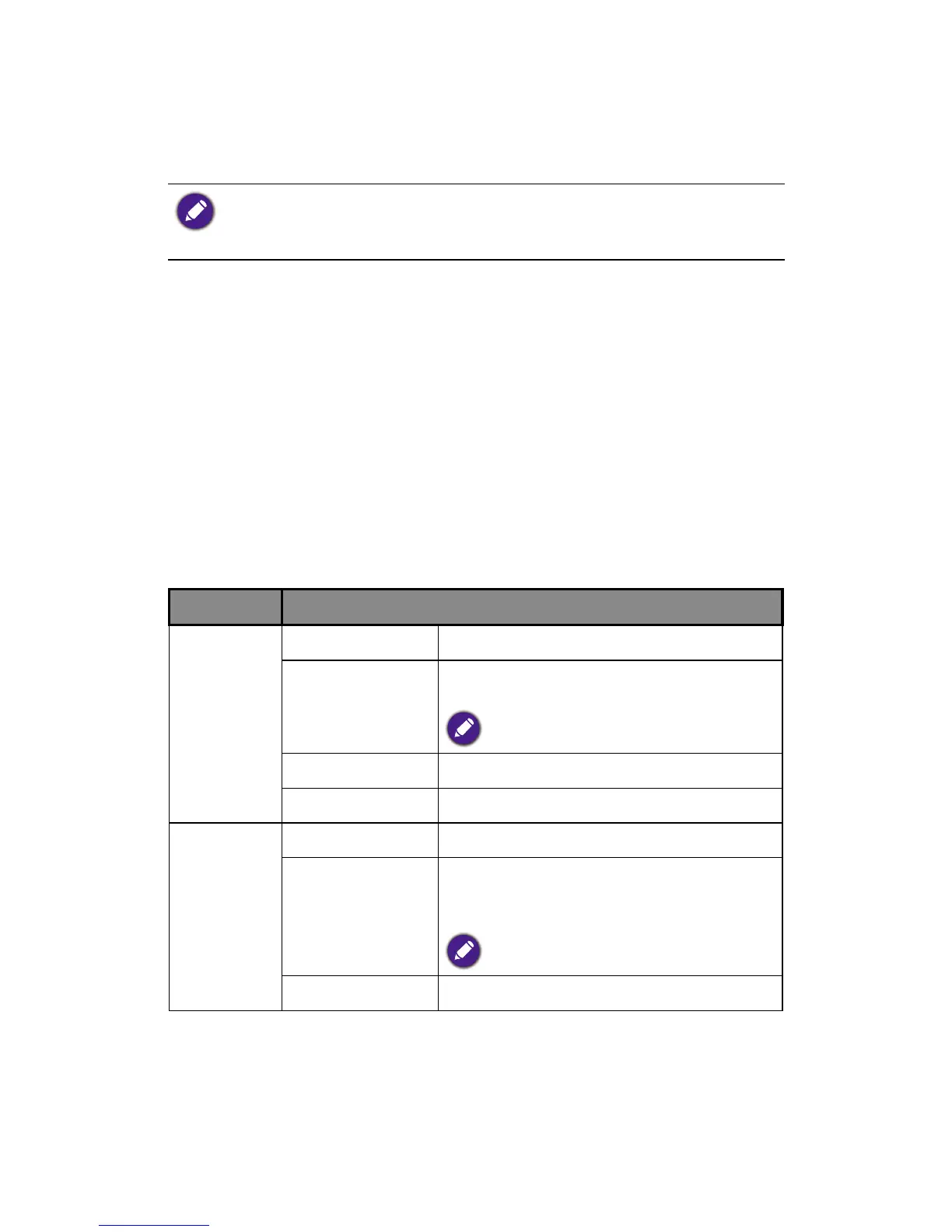
System requirements
OS Specications
Windows OS version
Windows XP / Vista / 7 / 8.1
CPU Dual Core 2 GHz or higher
ATOM is not supported.
Graphic card 64MB VRAM or above
WiFi 802.11n (2T2R recommended)
Mac OS OS version Mac OS 10.8 / 10.9
CPU Dual Core Intel Core i 1.4 GHz
or higher
PowerPC is not supported.
Graphic card 64MB VRAM or above



 To Next Page