2English
Package contents
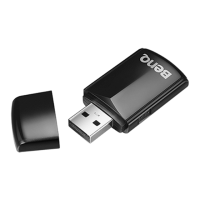
QCast dongle x 1• HDMI cable x 1•
USB cable x 1• NFC chip sticker x 1 •
(Keep away from heat and
metal. Do not bend/fold.)
Quick start guide x 1•
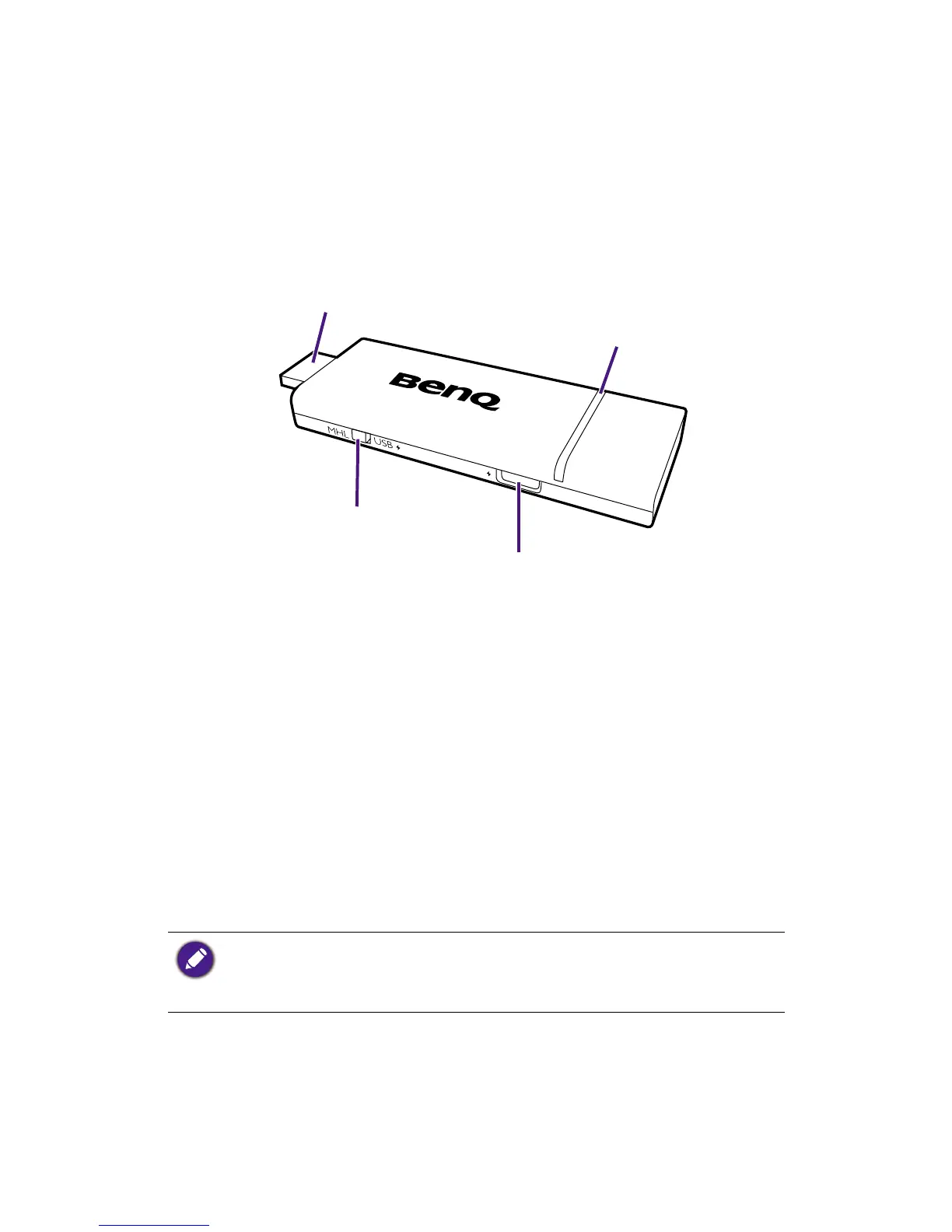
Product overview
LED indicator
USB port
(for power supply)
MHL / HDMI connector
Switcher
Installation tips
To get started, you need to install the dongle and the appro-
priate app rst.
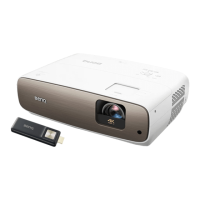
Connect the dongle to your projector.1.
Install the 2. BenQ QCast app/software to your device
(i.e, the media source), and connect the device with the
dongle wirelessly.
With the wireless connection between your device and the
dongle, you can mirror the content from your device to the
projector.
Depending on your device’s operating system, different
installation procedures and setup are required. Read this
document and on-screen instructions (if provided) carefully.



 To Next Page