49 Special signage installation guide
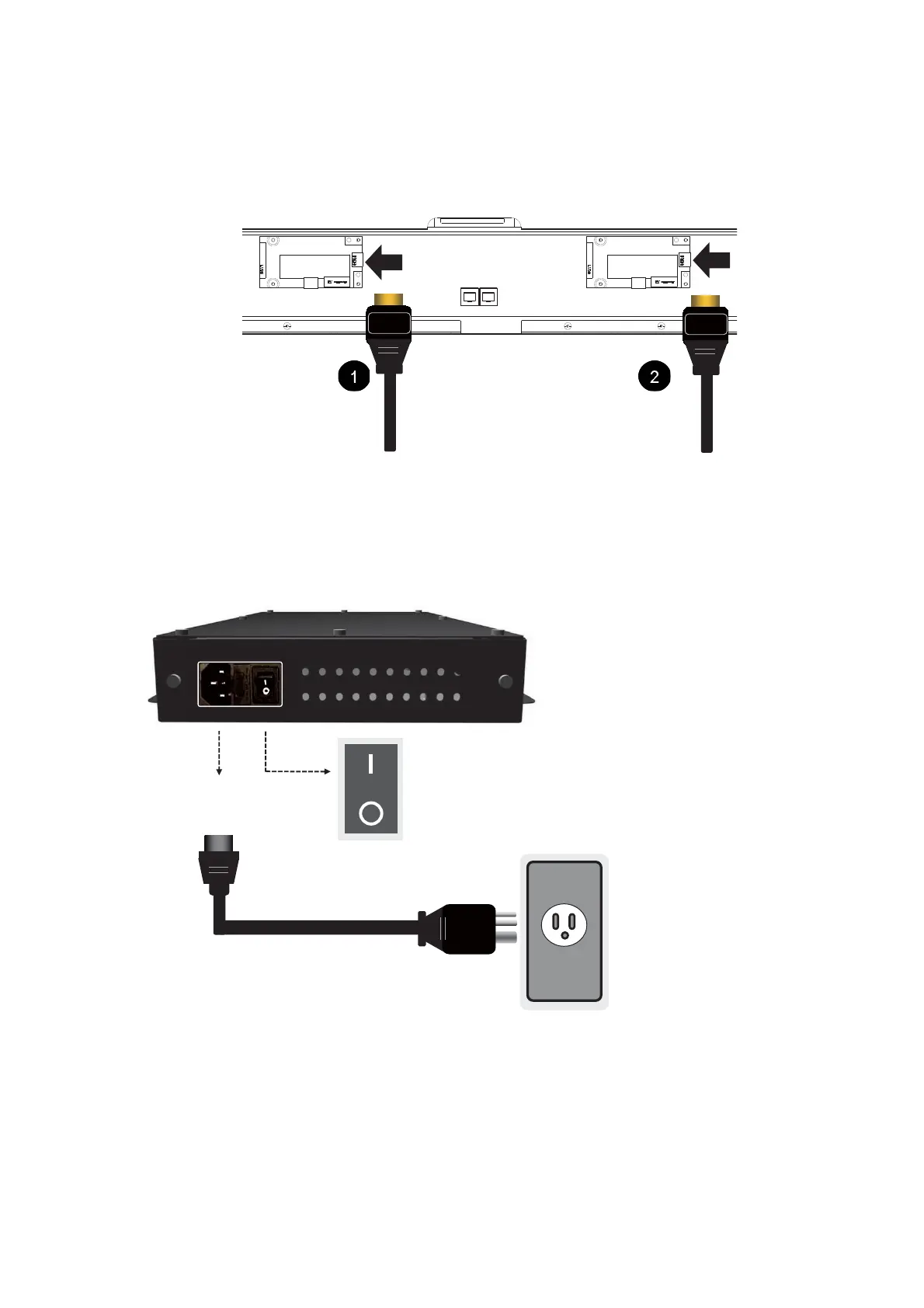
Connecting HDMI cables and connectors
Plug two HDMI cables into the cabinet, and ensure that all cable plugs are firmly fitted into the
jacks.The main signal input source is HDMI 1. Make sure HDMI 1 is well connected before
connecting HDMI 2.
Connecting the power cord
Plug in the power cable and turn on the AC power switch.



 To Next Page