55 Mounting installation
6. When turning off the display by disconnecting the power cable or DC power cord, wait
for 6 seconds before reconnecting the power cable or DC power cord for normal
operation.To protect your display from possible damage, do not put excessive pressure on
the display.
7. Don’t block the ventilation holes on the power box. It is prohibited to turn the ventilation
hole of Power Box upside down. It is prohibited to place tilt.
8. Ensure the use of an approved power cord provided by BenQ at all times. If your power
cord is missing, please contact your local service center.
9. Provide an earthing connection before the mains plug is connected to the mains. And,
when disconnecting the earthing connection, be sure to disconnect after pulling out the
mains plug from the mains.
10. Unplug the display if you are not going to use it for an extensive period of time.
11. Unplug the display if you need to clean it with a slightly damp cloth. The screen may be
wiped with a dry cloth when the power is off. However, never use organic solvent, such as,
alcohol, or ammonia-based liquids to clean your display.
12. If a foreign substance or water gets in your display, turn the power off immediately and
disconnect the power cord. Then remove the foreign substance or water.
13. Don’t store or use the display in locations exposed to heat, direct sunlight, or extreme
cold.
14. > 4.5m height is recommended, otherwise will be crowded.
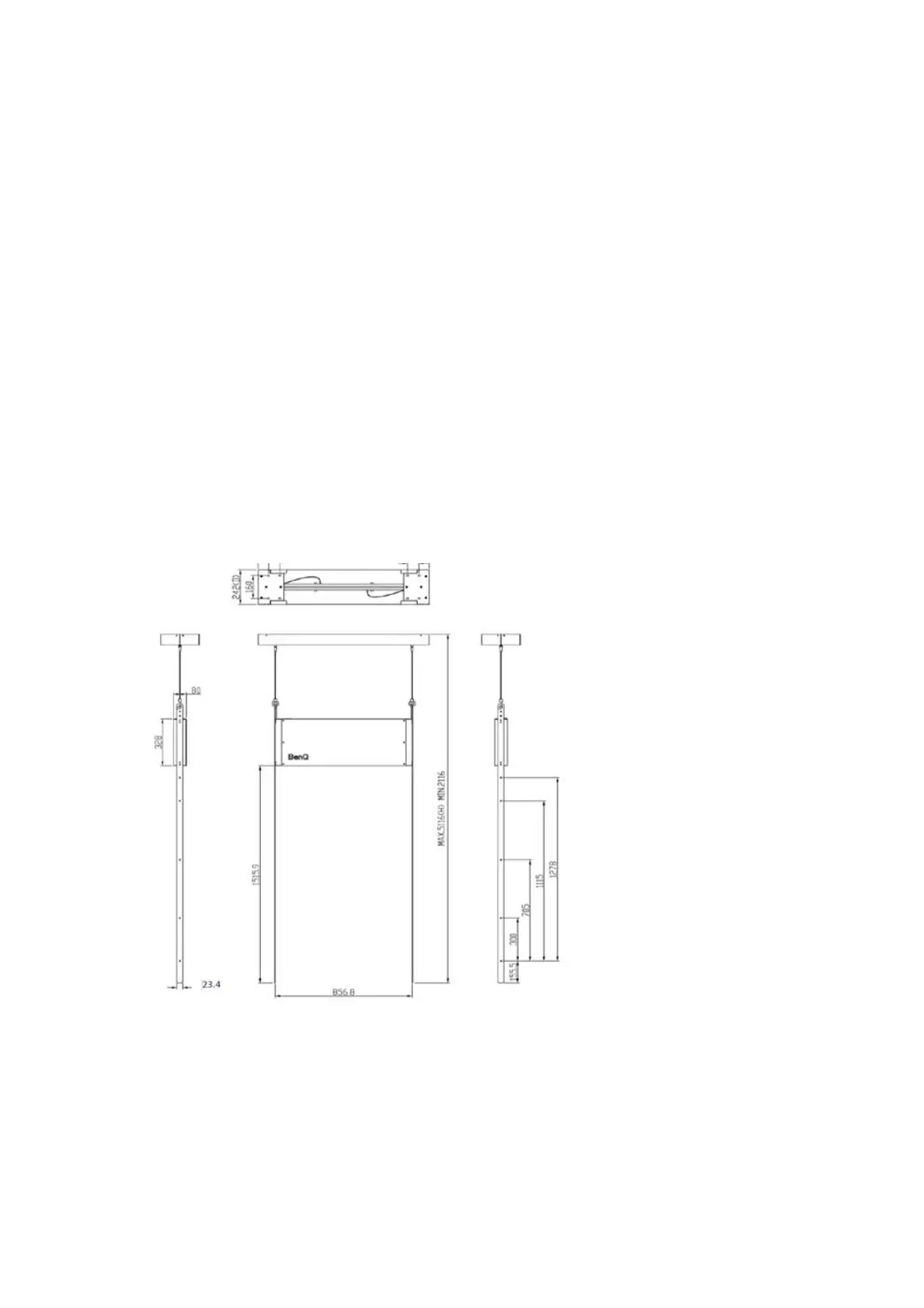
15. Drawing of Ceiling Mount



 To Next Page