63 Digital Signage Bar-Type Series
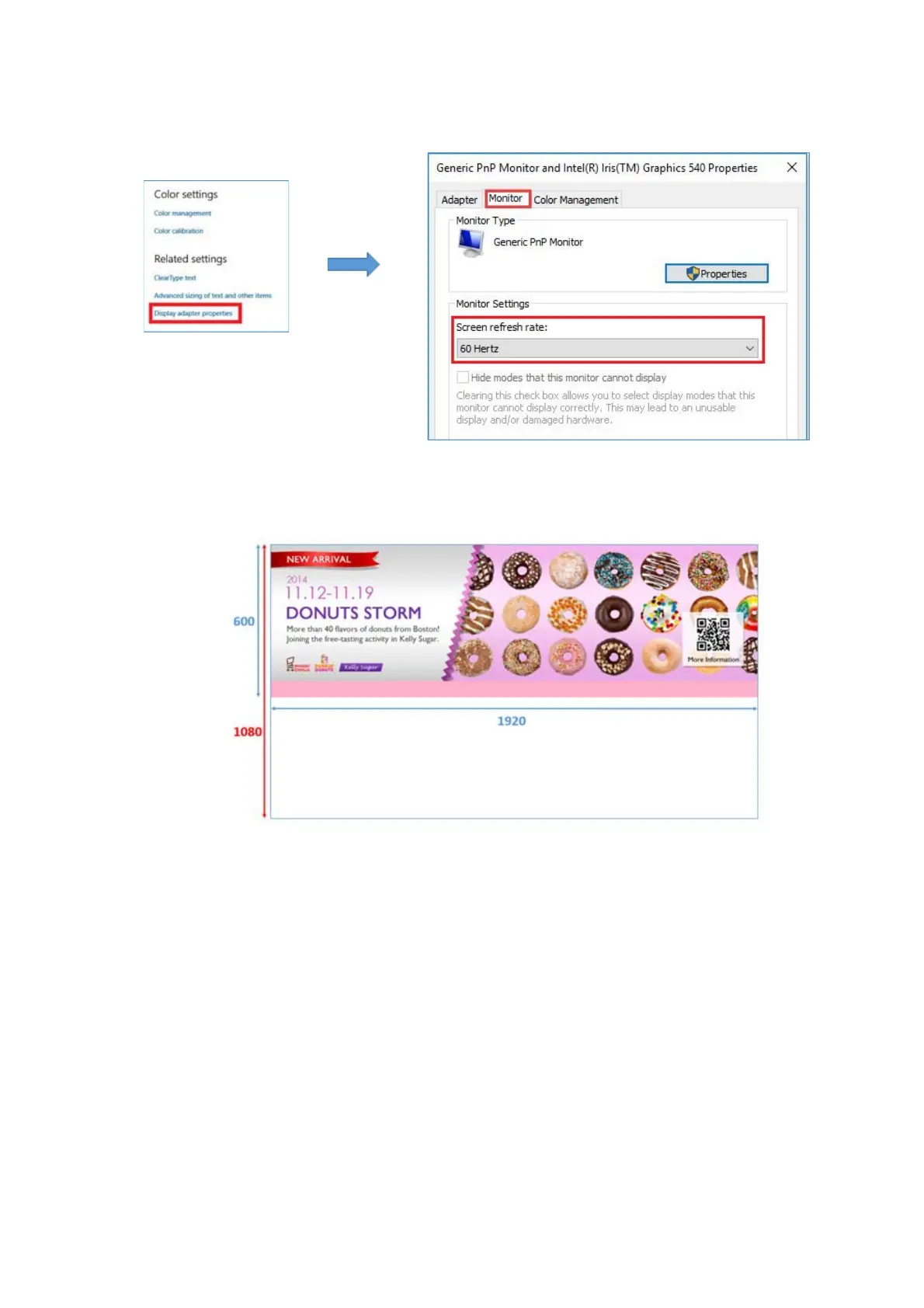
2. Change the screen refresh rate to 60Hz in Monitor section. The content should be
allocated at the right ratio.
Method 2: Content is in the upper section of 1920 x 1080
1. In Windows Setting > Display > Advanced display setting, select the BH3801 and
choose 1920 x 1080 as resolution setting.
2. On BH3801, choose 1:1 in Display > Zoom mode to correctly display the content.
3. To proceed further Windows control, choose Full in Display > Zoom mode to gain full
screen access on BH3801.



 To Next Page