Multimedia OSD operation 55
• Office Viewer:
- Adobe PDF: accepts file size up to 75MB
PDF 1.0/1.1/1.2/1.3/1.4
- MS Word: accepts file size up to 100MB
British Word 95/Word 97/2000/2003/2007 (.docx)/2010 (.docx)
- MS Excel: accepts file size up to 15MB
British Excel 5, 95, Excel 97/2000/2002/2003/2007 (.xlsx)/2010 (.xlsx), Office XP
Excel
- MS PowerPoint: accepts document page number up to 1000, and file size up to
19MB
British PowerPoint 97, PowerPoint 2000/2002/2003/2007 (.pptx)/2010 (.pptx),
Office X PowerPoint, PowerPoint presentation-2003 and earlier (.ppx), PowerPoint
Presentation-2007 and 2010 (.ppsx)
• Storage:
- Internal Memory
TLC/MLC/SLC 8/12/24/40/60 bit ECC NAND
- USB
USB flash, USB hard disk
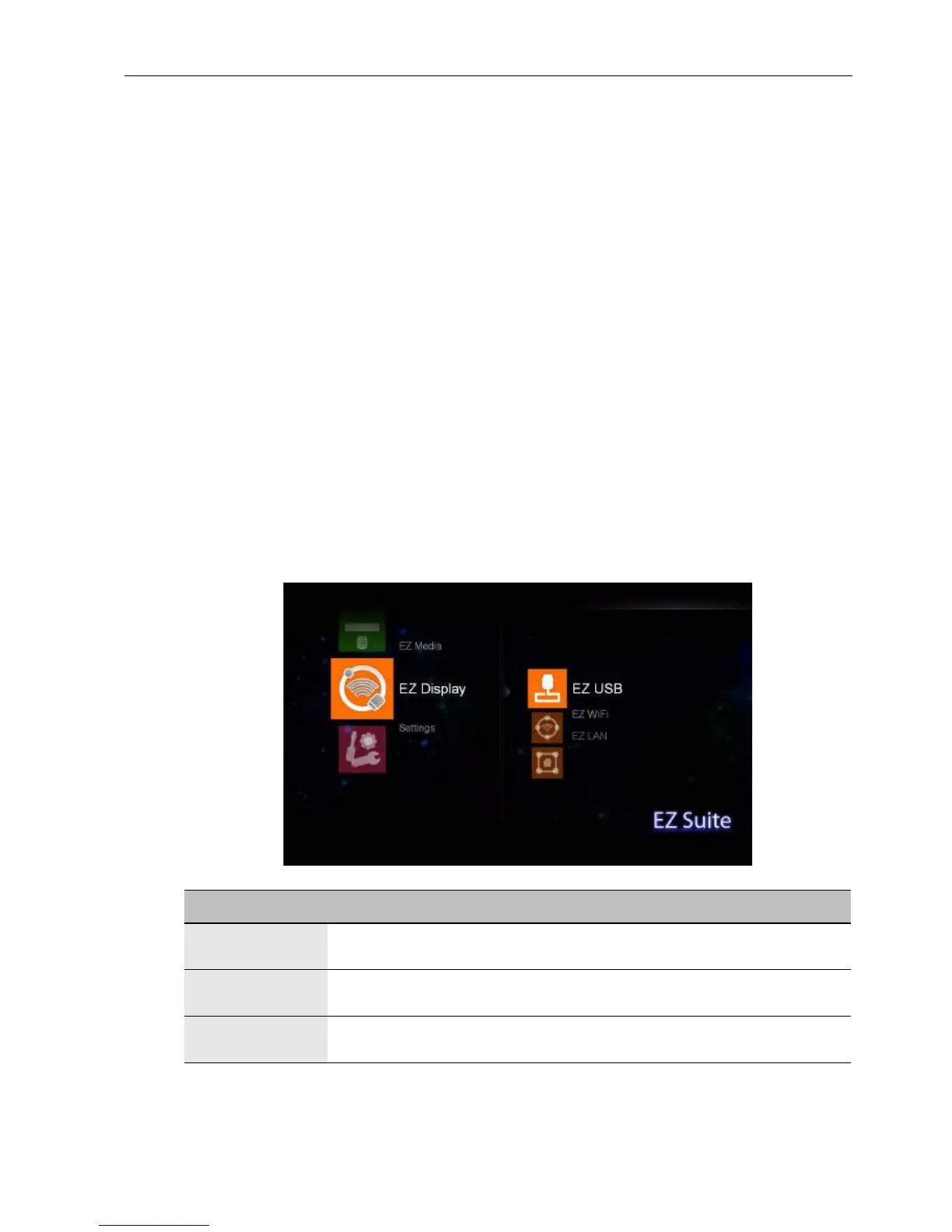
EZ Display
Use an appropriate cable to make connection between your device and the display.
Name Description
EZ USB Connects to a computer by using a USB cable. See Making
connections on page 50 for details.
EZ WiFi Connects to a computer via wireless enabled equipment. See
Making connections on page 50 for details.
EZ LAN Connects to a computer via RJ-45 cables. See Making connections
on page 50 for details.



 To Next Page