Multimedia OSD operation56
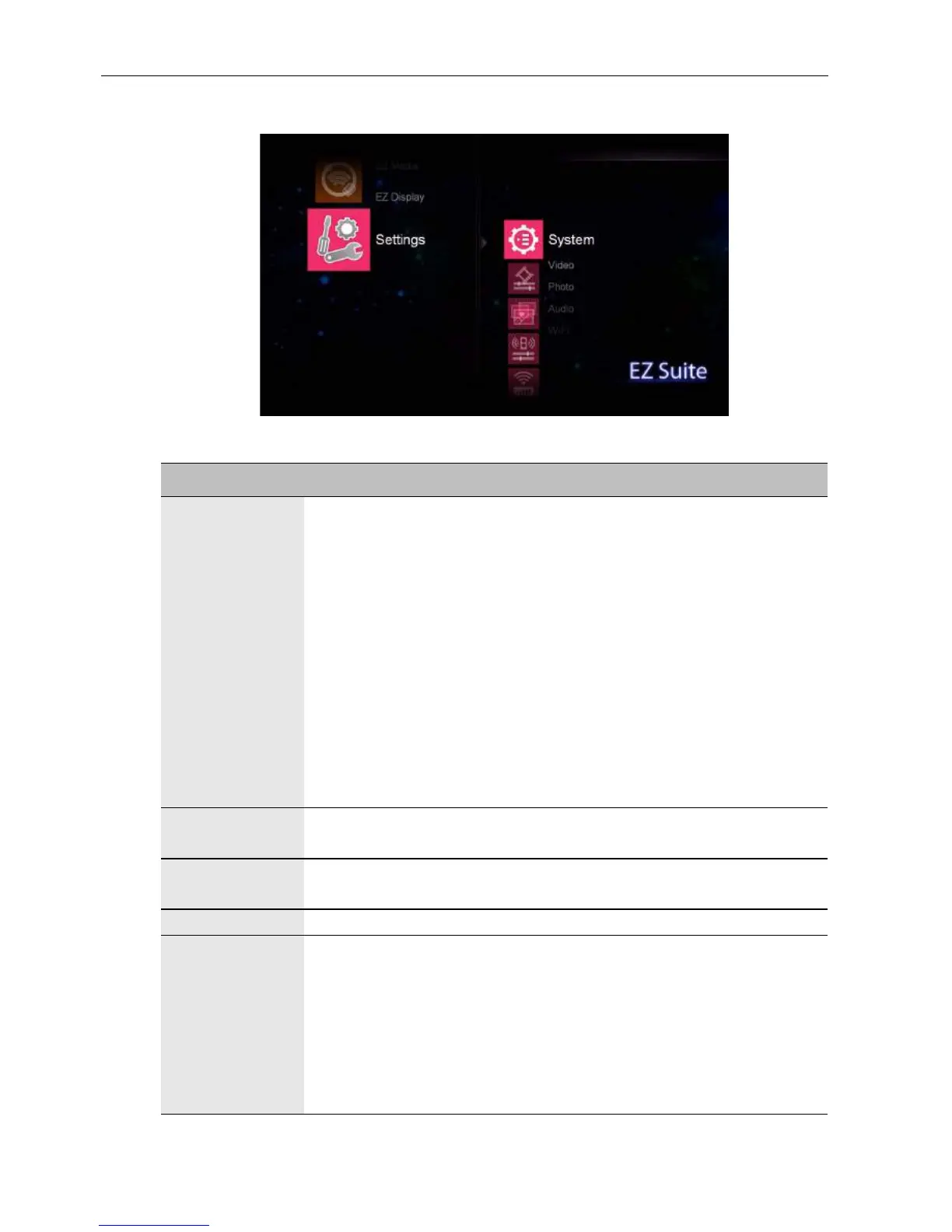
Settings
Name Description
System • Version: Displays the version number of the firmware.
• Language: Sets your preferred language for the OSD menu.
• Update: Updates the OSD firmware with a USB flash drive.
• Hostname: Displays the display’s name for network identification.
• USBConnect: When a USB cable is connected between the
display and computer. Enable this function and a Removable Disk
icon will appear for files transfer.
• Auto Play Mode: Enables automatically playback the content
from the USB flash driver once it is connected to the display. You
can select to playback a certain type of file from among:
- Photo
- Video
- Audio
Video • Display Ratio: Sets the video clip’s aspect ratio.
• Repeat Mode: Sets the video clips’ playback mode.
Photo • Display Ratio: Sets the picture’s aspect ratio.
• Slideshow Duration: Sets the interval time of each slide.
Audio • Repeat Mode: Sets the video clips’ playback mode.
WiFi • AP Mode: Fills in the information required for WiFi connection.
- SSID: Sets a name for your display.
- Security: Selects a security level.
- PSK: Sets an access password.
- Channel: Selects a channel to communicate.
• Client Mode: Lists all wireless networks detected in your area
and selects a suitable one.



 To Next Page