Connection 19
Connecting the multimedia inputs
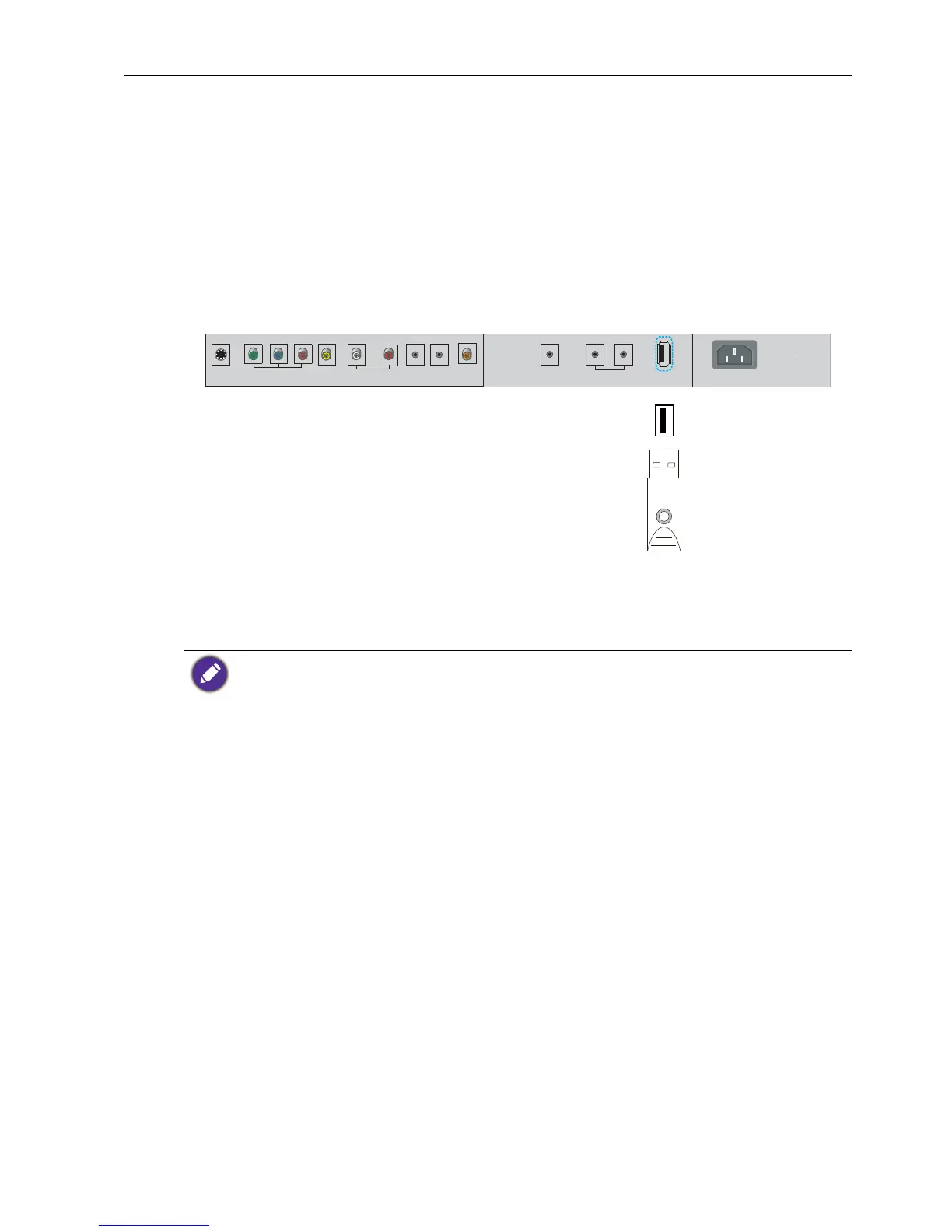
To view multimedia files on the USB flash drive:
1. Plug the USB flash drive in the M USB port.
2. Press INPUT and MULTI-MEDIA on the remote control or select Media to access
the multimedia OSD system. See the Multimedia OSD operation on page 35 for
details.
The cables are not supplied and should be purchased separately.



 To Next Page