Operation36
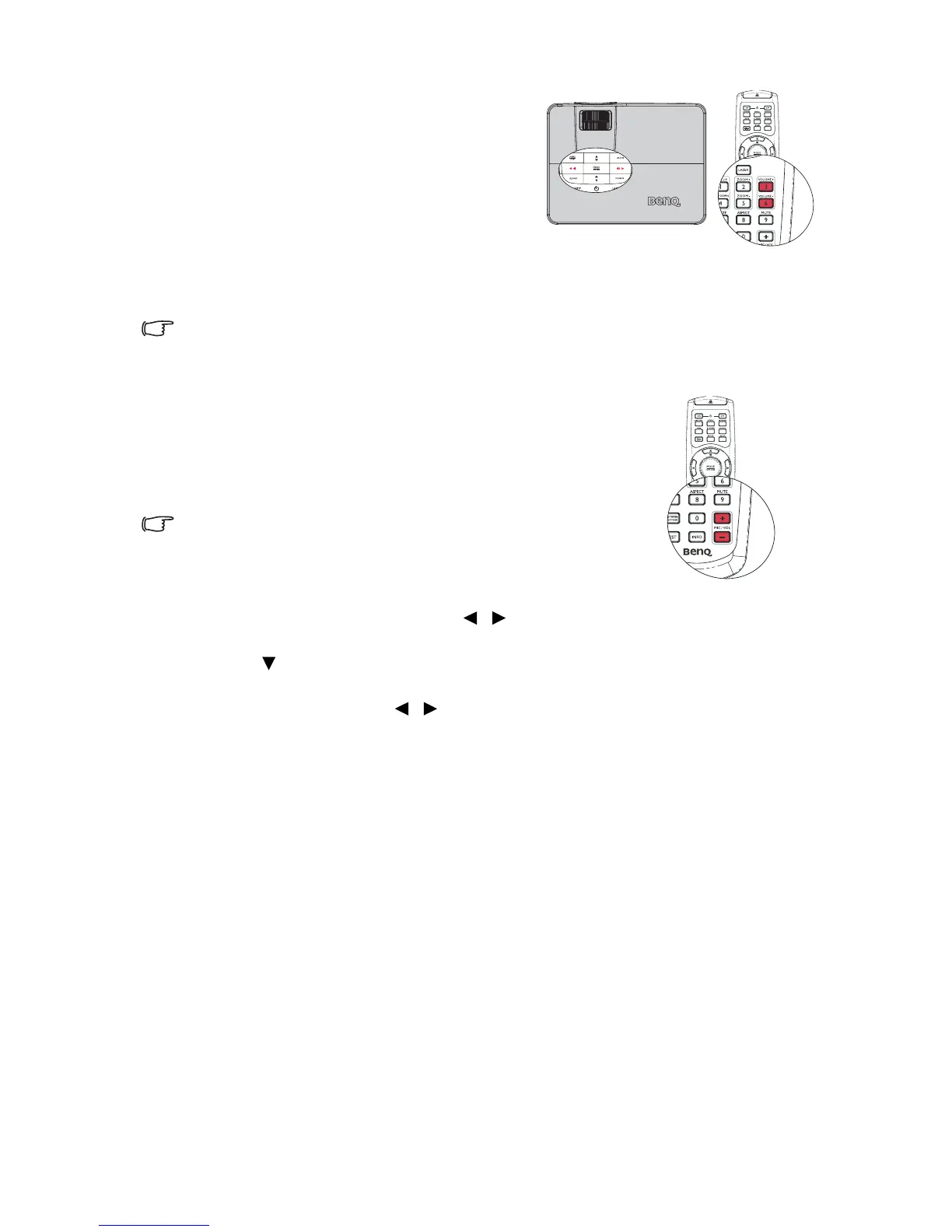
To adjust the sound level, press VOLUME +/
VOLUME-on the remote control, or:
1. Repeat steps 1-2 above.
2. Highlight Volume and select a desired
sound level.
Turning off the Power on/off ring tone
To turn off the ring tone:
1. Repeat steps 1-2 in Muting the sound section.
2. Highlight Power on/off Ring Tone and select Off.
The only way to change Power on/off ring tone is setting On or Off here. Setting the sound
mute or changing the sound level will not affect the Power on/off ring tone.
Adjusting the microphone’s sound level
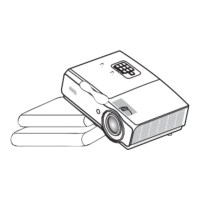
To adjust the sound level, press MIC/VOL +/- on the remote
control, or
1. Repeat steps 1-2 in Muting the sound section.
2. Highlight Microphone volumee and select a desired
sound level.
Microphone sound will still function even though Mute is
activated.
Turning on/off the SRS
• Using the OSD menu
1. Press MENU/EXIT and then press / until the SYSTEM SETUP: Advanced menu
is highlighted.
2. Press to highlight Audio Settings and press MODE/ENTER. The Audio Settings
page displays.
3. Highlight SRS and press / to select On/Off.



 To Next Page