Operation54
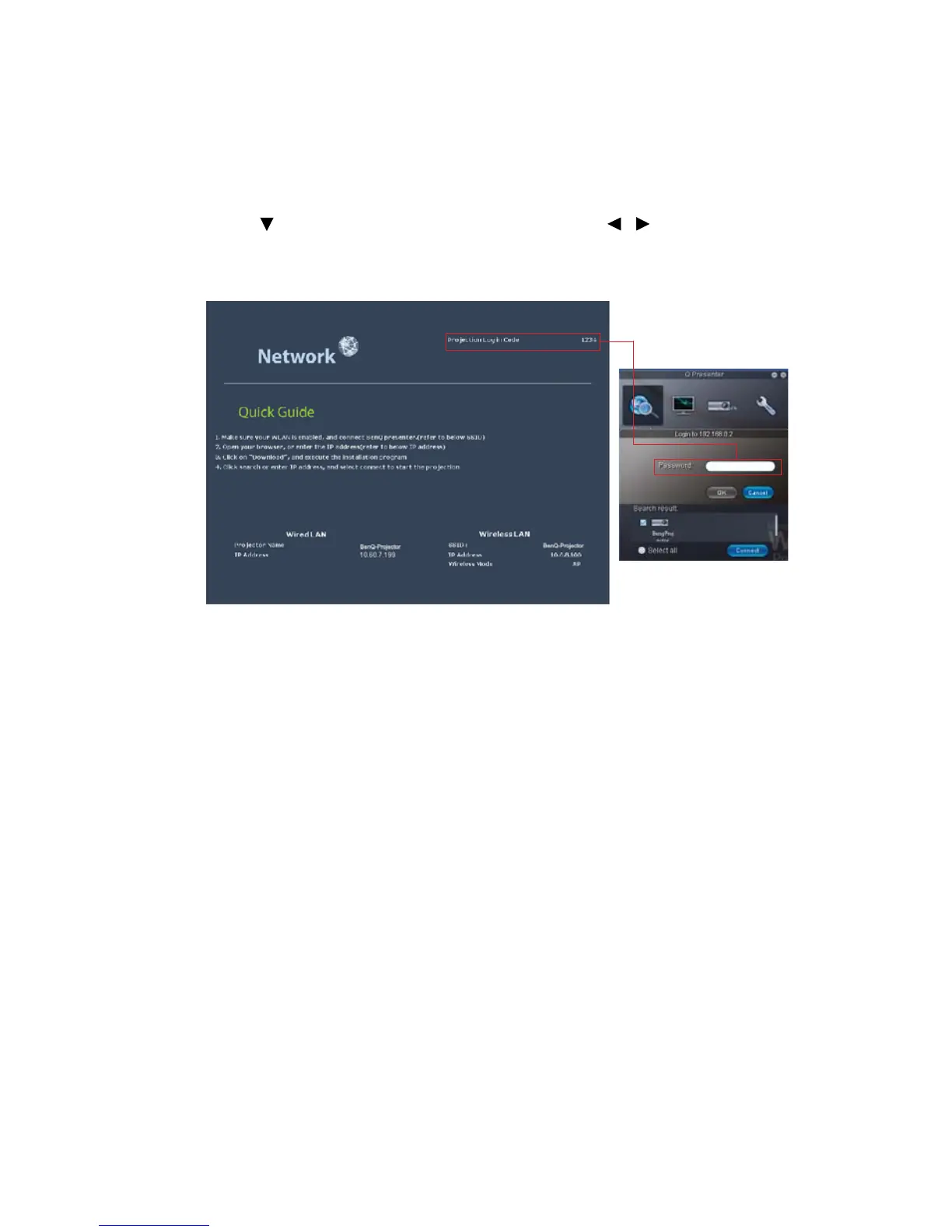
Using the Projection Login Code
This function is designed to ensure network display through the correct projector. To toggle
this function:
1. Go to the SYSTEM SETUP: Advanced > Network Settings menu after opening the
OSD menu system. Press MODE/ENTER.
2. Press to highlight Projection Log in Code and press / to select On or Off.
When this function is on, the projector generates a random 4-digit code in the upper right
corner when you switch the source to Network Display. You need to key in this 4-digit code
in the Q Presenter when connecting to the projector.



 To Next Page