Operation 41
• The illustrations in web page control, Q Presenter and USB Reader sections are for the
purpose of explanation and may differ from the actual design of your projector.
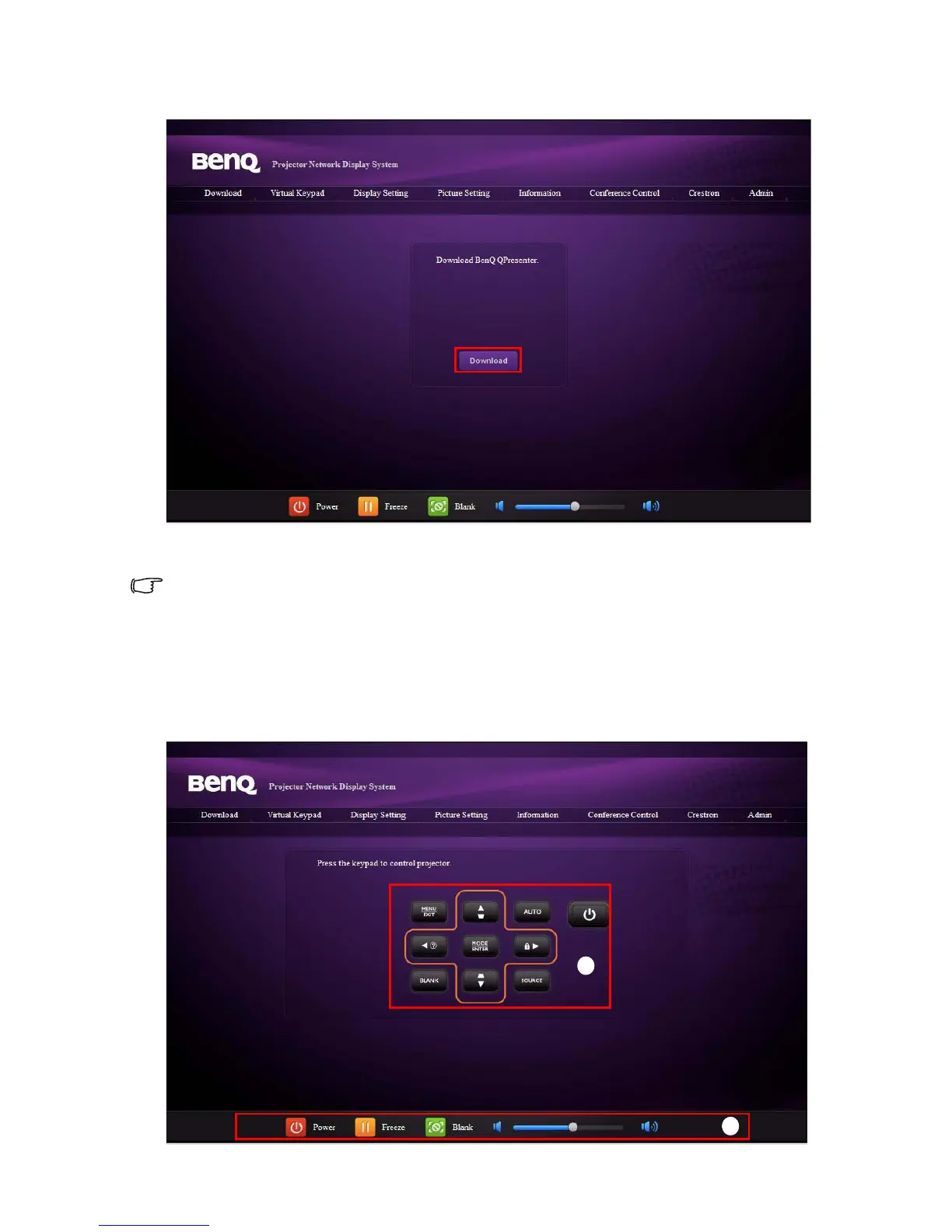
3. Click Download to save Q Presenter software on your computer.
You can also link to the web page control from Q Presenter > Settings > Advanced Setting >
Control projector via web page on page 52.
4. Execute the program installation.
5. Open Q Presenter, search and connect a network display. See "Displaying image
through Q Presenter" on page 49 for details.
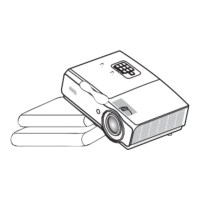
The Virtual Keypad page allows you to operate the projector as if you were using the remote
control or control panel on the projector.
i
i



 To Next Page