Operation 59
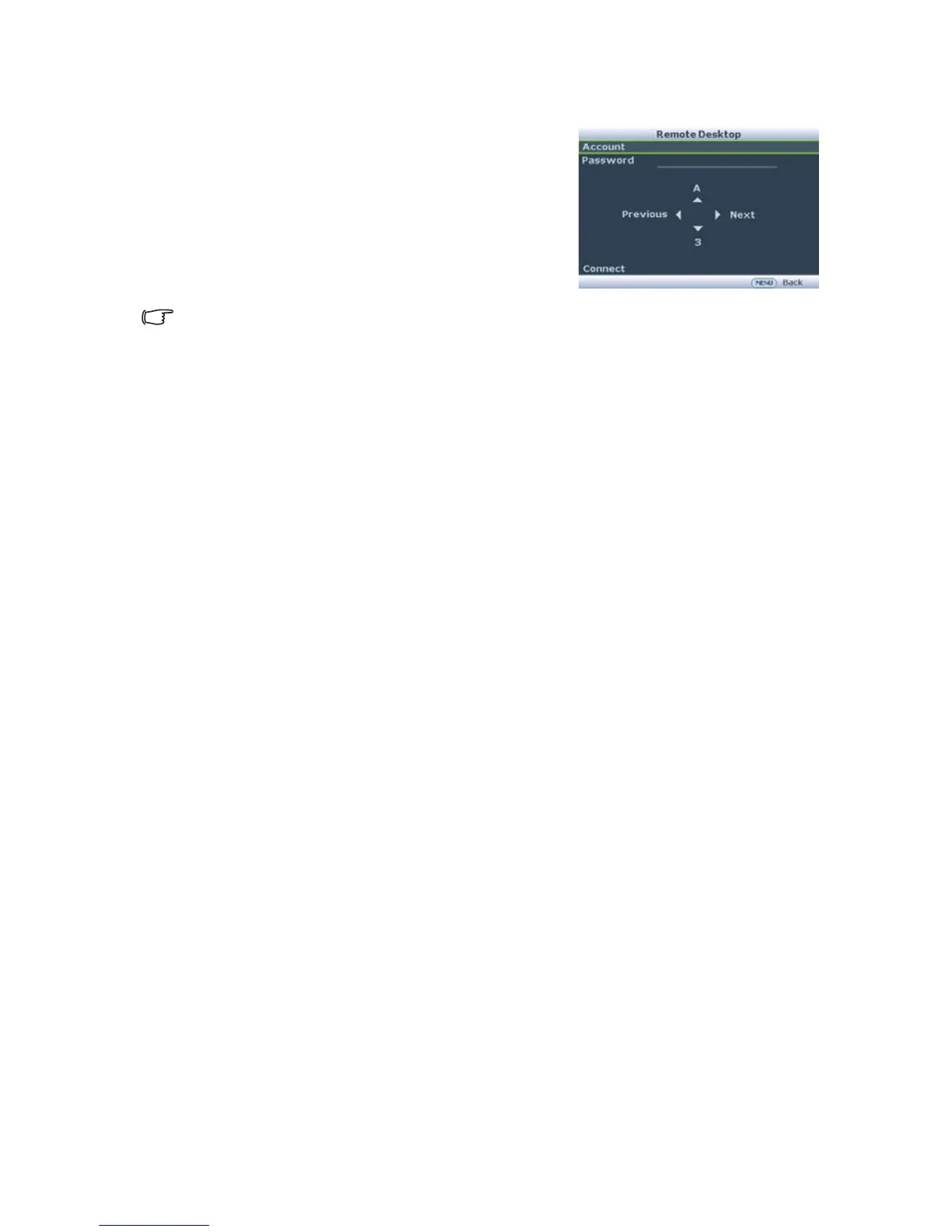
3. Open the OSD menu and go to the SYSTEM SETUP: Advanced > Network Settings
menu. Press MODE/ENTER.
4. Highlight Remote Desktop and press MODE/
ENTER.
5. Enter the Account and Password the same as step
1.
6. Highlight Connect and press MODE/ENTER to
connect the selected PC.
7. Connect USB keyboard or mouse to control the
host PC’s desktop through the projector.
• Remote Desktop Control does not support PC Standby mode.
• Remote Desktop Control only supports LAN source so the projector source is fixed on
LAN.



 To Next Page